🧠 SeepSync

AnkiWeb addon 1024435769

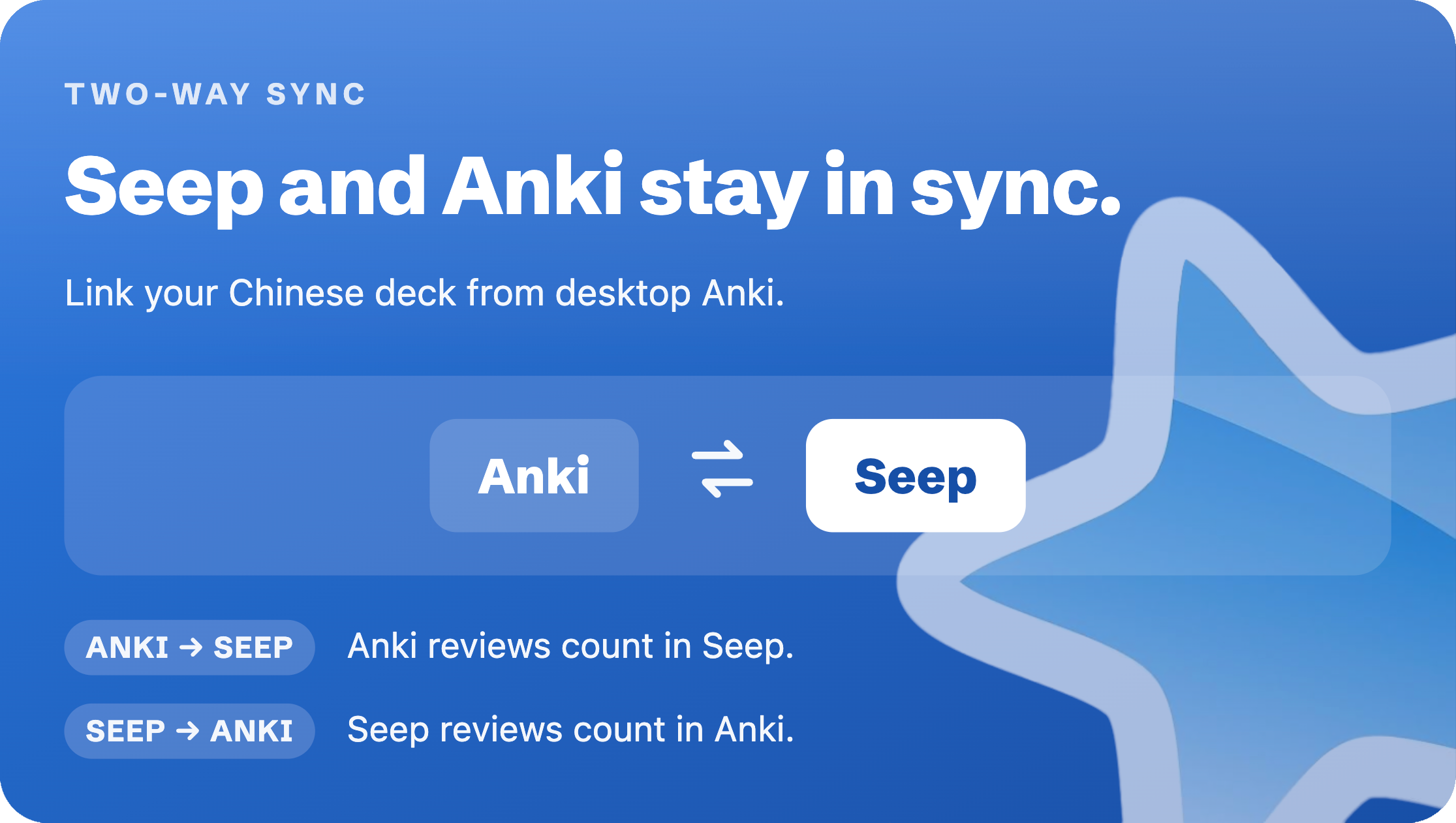
Syncs Chinese vocabulary review histories between Anki and a browser extension, letting users rate words encountered while browsing using a chosen Chinese deck, without creating cards.
AI-generated summary; may contain mistakes.

sync-integrationservice-client

Open on AnkiWeb Find alternatives

AnkiWeb

Votes
0 (πŸ‘ 0 Β· πŸ‘Ž 0)
Updated
2026-07-22
Anki versions
26.05~
License
Not found (this does not mean that the addon has no license)
Virus scan
No ClamAV match A match does not prove malware. No match does not prove that the code is safe.
Languages
Python, JSON
Description language
en

Maintenance

active

  • Last update or commit: 2026-07-22 (102 days before the snapshot).

GitHub

No GitHub repository linked.

Will it work on my Anki?

Version branches
Min AnkiMax AnkiUpdated
24.0426.05+2026-07-22
History across monthly snapshots

Loading…

Similar addons

AnkiMaxer

Acts as the local Anki-side helper for a browser extension, finding and unsuspending cards and building filtered Incorrects and Marked review decks while keeping all data local.

sync-integrationschedulingtaggingfiltered-decks

3 votes 21% approval πŸ‘ 2 Β· πŸ‘Ž 1 Anki 2.1.66~ Updated 2026-09-12
Vocab.Ai / Baserow Import

Imports vocabulary or sentences from Vocab.Ai or other Baserow instances into Anki using configurable credentials, database, table, view, deck and note type, with settings remembered for repeat imports.

importsync-integrationservice-client

3 votes 44% approval πŸ‘ 3 Β· πŸ‘Ž 0 ⭐ 0 Anki 23.10.1~ Updated 2026-10-12
Pindu for Anki (Chinese)

Extends Anki's spaced repetition with a Chinese reading engine that generates level-calibrated texts from your collection, letting you earn review credit by reading and marking words.

aireview-flow

3 votes 44% approval πŸ‘ 3 Β· πŸ‘Ž 0 ⭐ 0 Anki 25.09.4~ Updated 2026-10-14
Atlas

Bridges the companion browser extension to Anki, letting UWorld results open matching AnKing cards, resource tags, images and videos, with optional Easy Mode unsuspending.

sync-integrationstatisticssearchservice-client

6 votes 61% approval πŸ‘ 6 Β· πŸ‘Ž 0 ⭐ 0 Anki 25.09~ Updated 2026-09-27

Description

Seep

Learn Chinese by browsing the Internet. Seep brings comprehensible input and immersion directly to you. (Other languages coming soon)

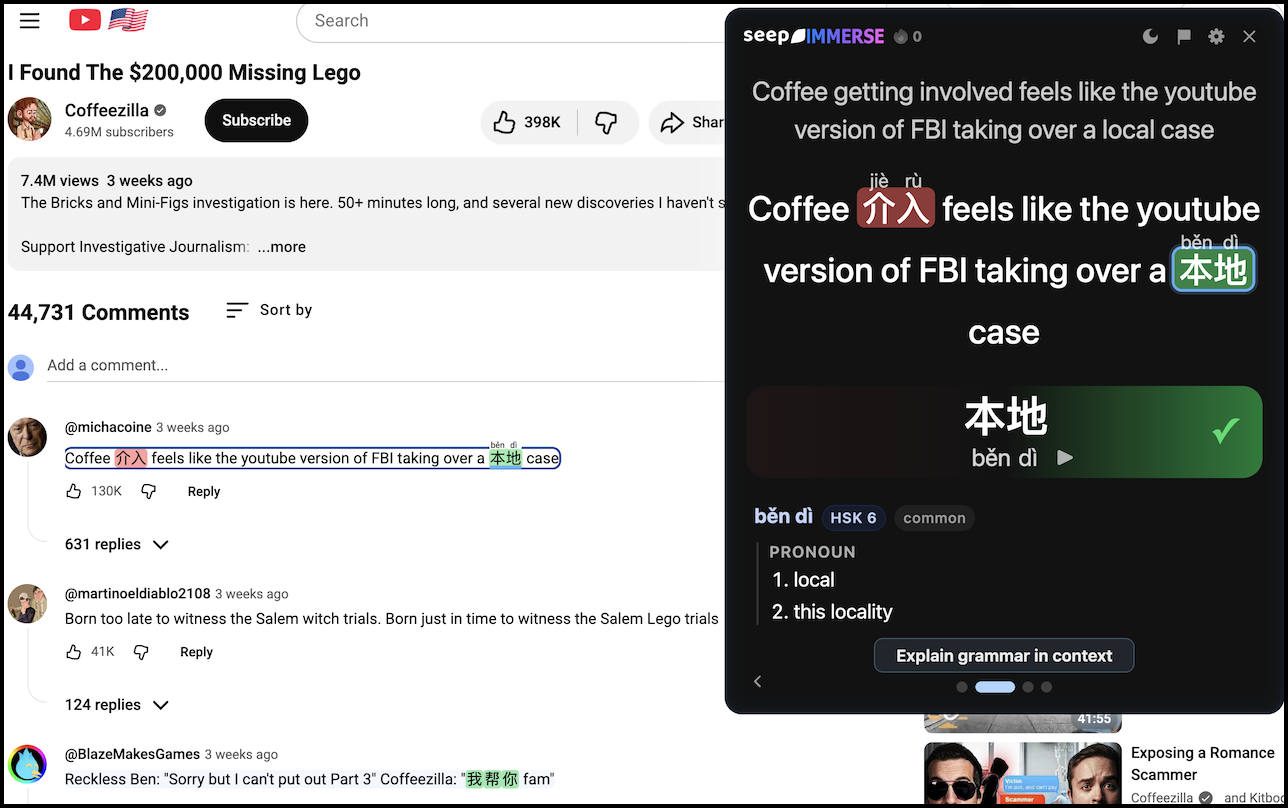
Seep is a Chrome/Firefox extension that swaps a few sentences on each page into Chinese. The Chinese that's woven into the sentences is purposefully picked in a way so you can actually comprehend the sentences.

Rate Chinese words as you encounter them while browsing outside of Anki. This not only works for Chinese that Seep inserts into originally English sentences, it also works for sentences that were originally already Chinese as well.


Purpose


Set up

  1. Install the 🧠 SeepSync add-on in desktop Anki:
    Tools β€Ί Add-ons β€Ί Get Add-ons… β€Ί Code: 1024435769
    Then restart Anki
  2. Go to SeepLearning.com > Anki then click Connect Anki and copy the code.
  3. In Anki: Tools β€Ί 🧠 SeepSync β€Ί Connect, then paste the code.
  4. In Anki: Choose the Chinese deck that you want to sync with Seep

Notes

For best pairing accuracy, choose a Chinese deck whose notes have separate dedicated fields for the hanzi and for the pinyin this way 🧠 SeepSync can distinguish heteronyms.

🧠 SeepSync is only for syncing review histories between Anki and Seep, and currently does not help you automatically create cards in Anki. This means that if you encounter a word when using Seep that is not in your chosen Chinese Anki deck, then SeepSync won't do anything to record a review for that word in Anki.