Goal Tracking Progress Bar


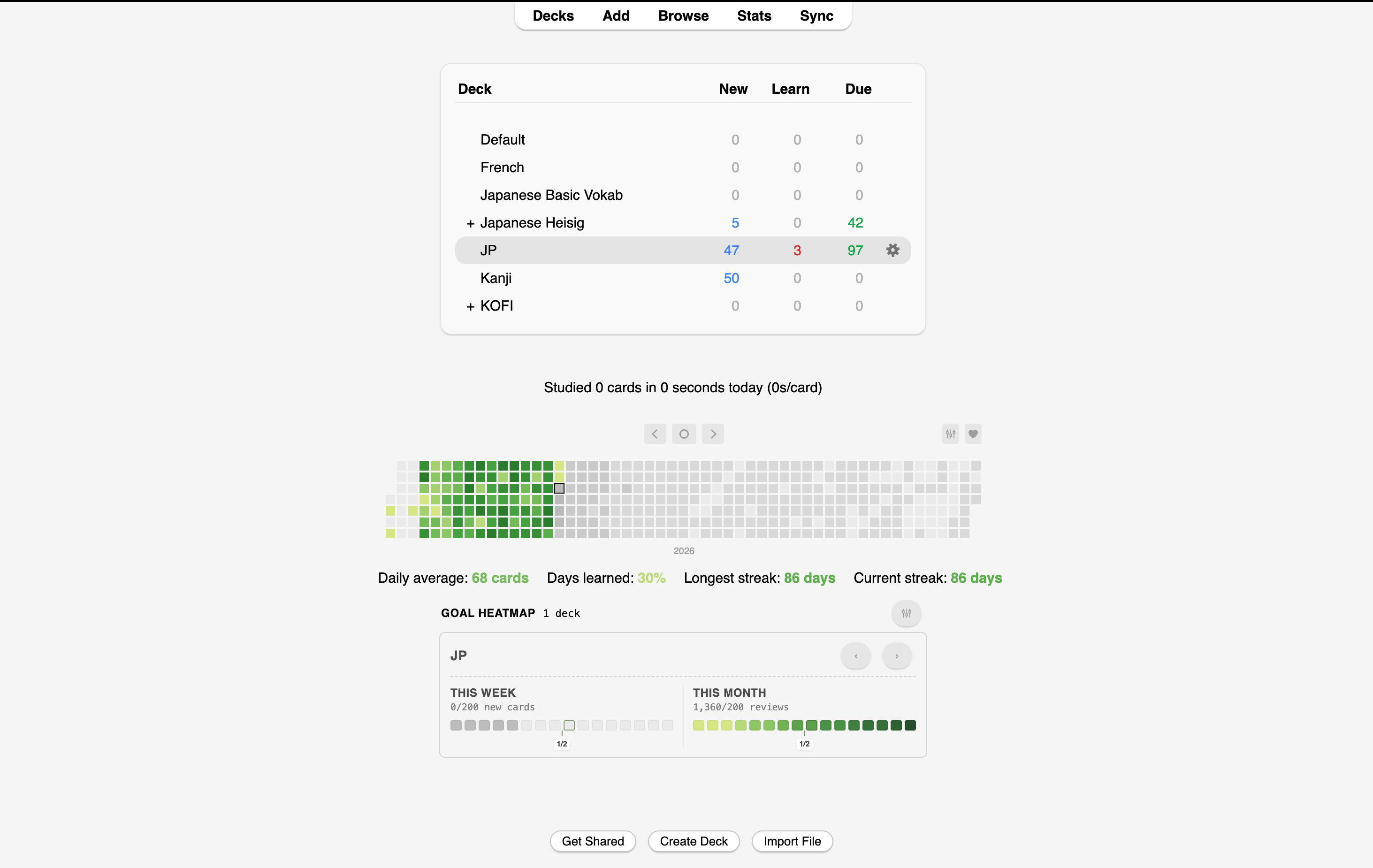
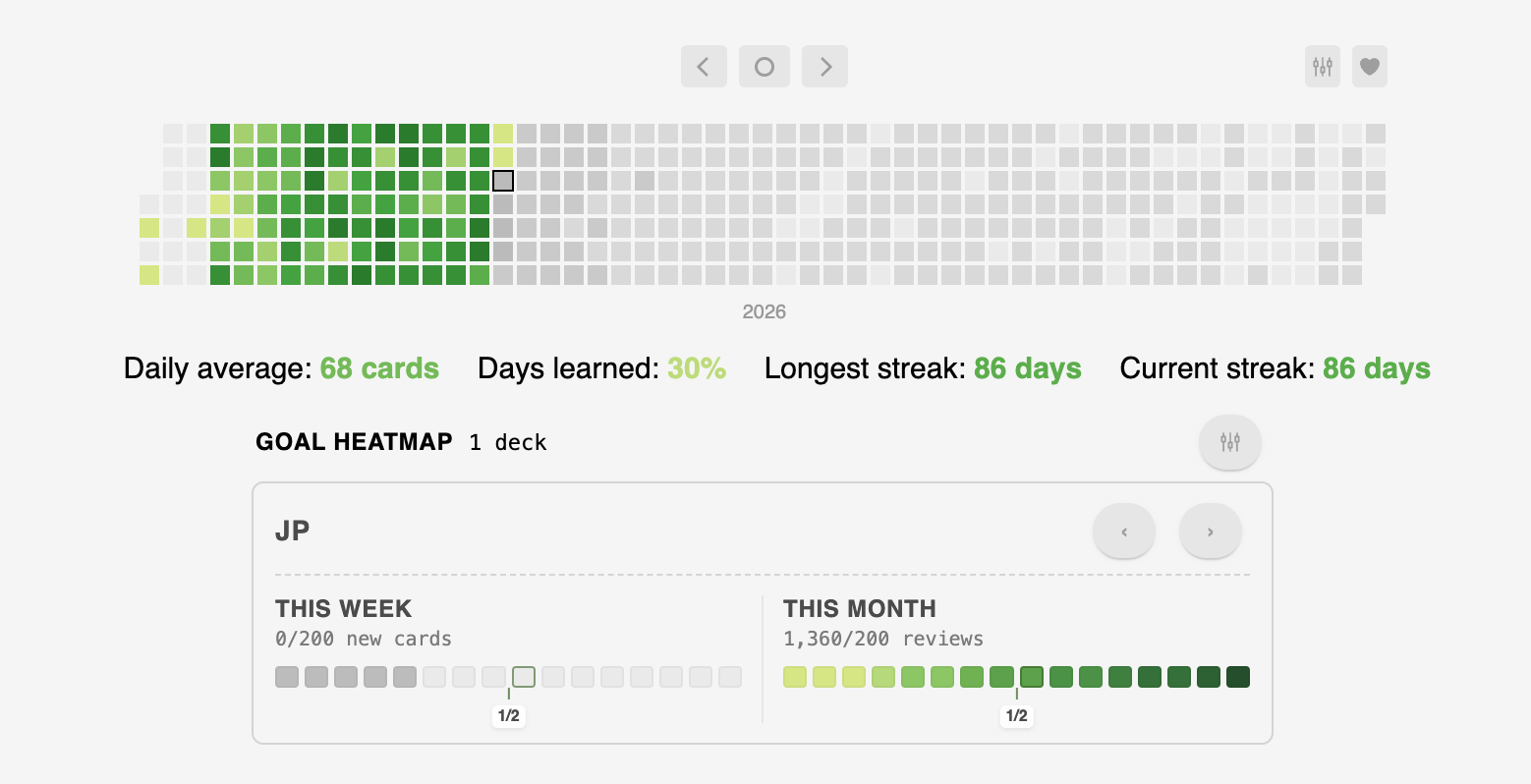
Goal Tracking Progress Bar is an Anki add-on that adds a configurable goal widget to the home screen. It tracks progress for study targets such as reviews, new cards, and study time, and keeps the result visible directly in the deck browser.
What It Does
- shows weekly, monthly, yearly, and custom goals on the home screen
- tracks reviews completed, new cards learned, or study minutes
- supports milestones, streak badges, and reward ladders
- includes multiple layout options and deck-group targeting
Typical Uses
- keep daily or weekly study targets visible
- track progress for specific deck groups
- use milestone markers to see whether you are behind pace
Installation
Install the add-on from AnkiWeb if a release is available, or install it manually from a packaged .ankiaddon file.
Related Add-ons
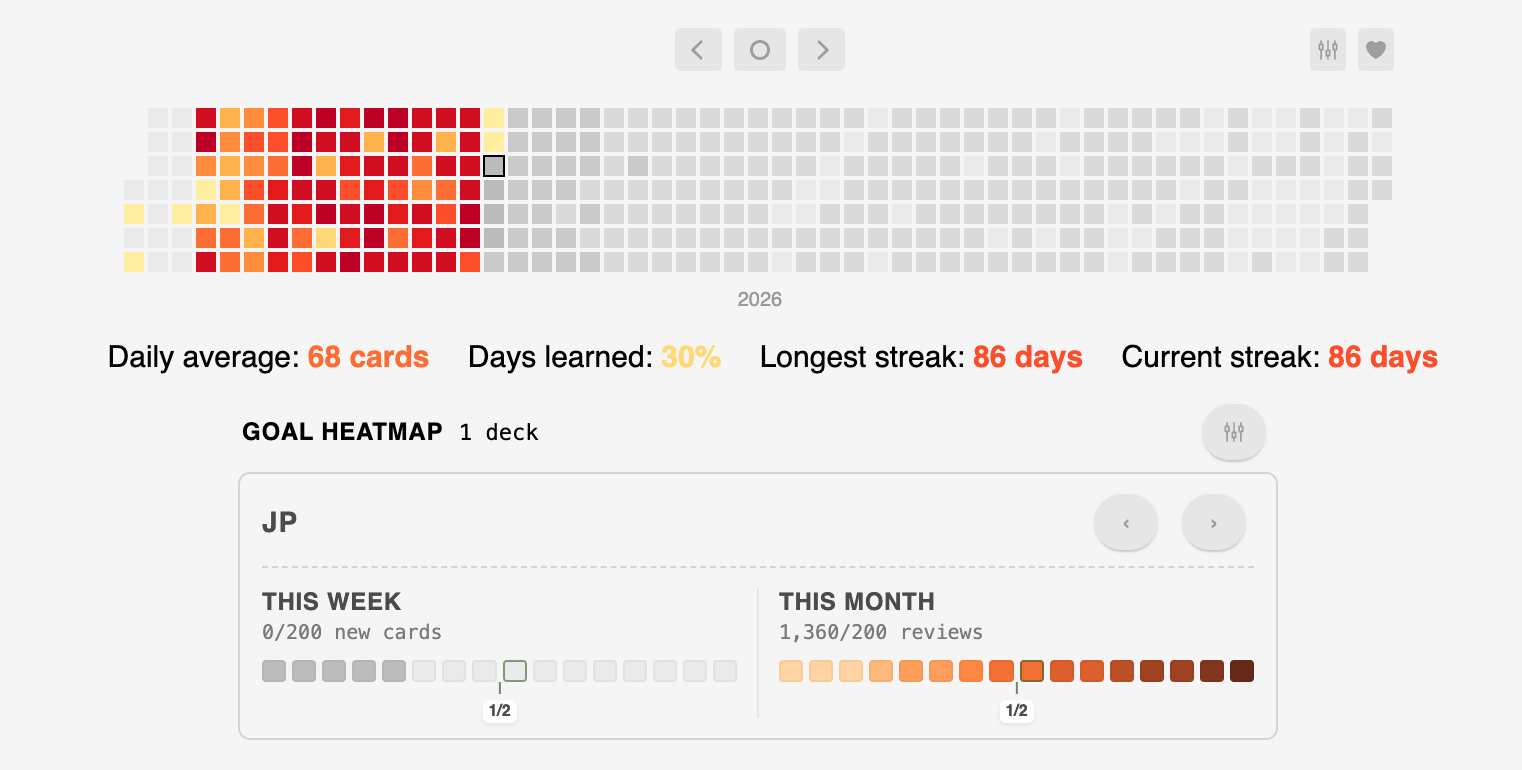
If you want a more polished and consistent look across my add-ons, you can also install my Global Styling add-on. It lets you apply a shared design on top of supported add-ons without changing their functionality.
Links
- Technical details: ARCHITECTURE.md
│ ├── metrics.py
│ ├── models.py
│ ├── periods.py
│ ├── render.py
│ └── service.py
└── docs/
## How It Works

- [`goal_tracking_progress_bar/addon.py`](./goal_tracking_progress_bar/addon.py) registers a `deck_browser_will_render_content` hook and appends the widget to the home screen stats area.
- [`goal_tracking_progress_bar/service.py`](./goal_tracking_progress_bar/service.py) loads config, applies a lightweight cache, computes enabled deck groups, and returns the final HTML.
- [`goal_tracking_progress_bar/metrics.py`](./goal_tracking_progress_bar/metrics.py) queries Anki's `revlog` for reviews, first-learned cards, and study time, scoped to cards currently in each configured deck tree.
- [`goal_tracking_progress_bar/render.py`](./goal_tracking_progress_bar/render.py) contains the compact HTML, styling, motivation popup, streak badge rendering, and the one-deck-at-a-time carousel controls.
- [`goal_tracking_progress_bar/periods.py`](./goal_tracking_progress_bar/periods.py) computes local-time weekly, monthly, yearly, and custom period boundaries.

## Config

See [`docs/config.md`](./docs/config.md) for the full schema. You can configure multiple deck goal groups, custom goal windows, global layout options, motivation visibility, streak display, rewards, and milestones.

## Notes

- Weekly starts on Monday and monthly starts on the first of the month.
- Yearly goals default to January 1 but can be moved to any repeating month/day.
- Custom goals can target all decks or a single deck tree and use a custom start/end window.
- Fresh defaults enable weekly, monthly, and yearly goals for the most-used deck tree and start in carousel mode.
- The motivation scroll can be shown or hidden globally.
- Weekly, monthly, and yearly goals ship with separate sets of 20 default reward ideas, each with an emoji.
- Streak badges are earned when you complete consecutive goal periods and can be shown in full or collapsed to the latest badge.
- Reward chips can be hidden globally or per goal.
- Milestone markers can be hidden globally or individually for 1/4, 1/2, and 3/4 when showing all milestones.
- In next-only milestone mode, passed milestone days disappear automatically and completed goals fall back to the half milestone.
- New cards are counted as cards whose first recorded revlog entry falls in the current period.
- Study time is summed from `revlog.time` and rounded to whole minutes.
- Styling lives in [`goal_tracking_progress_bar/render.py`](./goal_tracking_progress_bar/render.py) so the widget can be adjusted without touching the query logic.