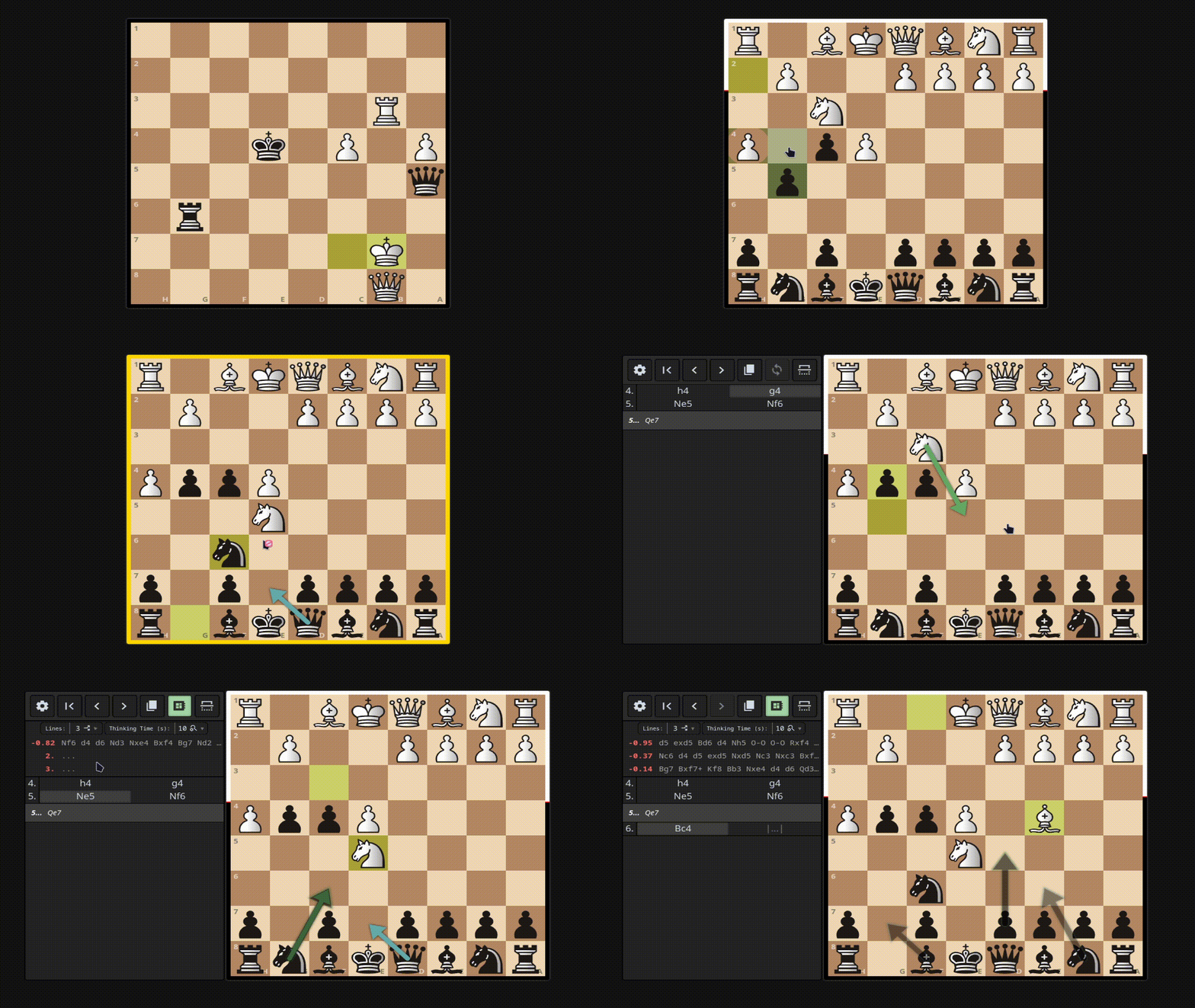
Anki Chess Note Template
Features:
- Works on desktop and ankidroid/anki mobile
- Robust PGN functionality, including multi line support, and embedded shapes.
- Local stockfish analysis for back side.
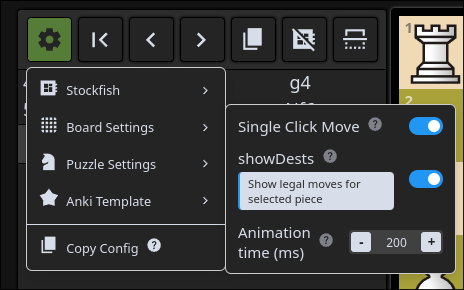
- Built in configuration menu to design cards of many types.
- Puzzle mode: Solve a tactic defined by a PGN.
- Study mode: Play both sides of a given PGN.
- play FEN position vs AI.
- A Companion Addon to streamline updating and managing configurations

installation
download the apkg in releases and import to anki.
Updating
Can be handled automatically via the Companion Addon. Otherwise watch for new releases if you want to manage this yourself.
Help
Refer to configuration tool tips or 'About' menu for information on config options, and helpful information for using the ankiChess note template.

Join the discord.
Table of Contents
Build
npm install
npm run build
build ankiChess note template (apkg file/media files)
uv is required for building the apkg file
uv venv
uv pip install genanki
Then run:
npm run build:anki
Build media only (no uv requirement)
npm run build:anki-media
files generated in 'dist-anki'