Japanese Pitch Accent

AnkiWeb addon 148002038

Automatically adds SVG pitch accent diagrams with aligned kana to Japanese cards in bulk or manually, syncing across devices and customizable via CSS.
AI-generated summary; may contain mistakes.

card-creationformattingappearancedictionarymobile-compatible

Open on AnkiWeb GitHub Find alternatives

AnkiWeb

Votes
116 (πŸ‘ 112 Β· πŸ‘Ž 4)
Updated
2026-10-07
Anki versions
26.08~
License
MIT (from the license file in the package)
Virus scan
No ClamAV match A match does not prove malware. No match does not prove that the code is safe.
Languages
Python, JSON, TSV
Description language
en

Maintenance

active

  • Last update or commit: 2026-10-07 (25 days before the snapshot).
  • GitHub Actions workflows: 1.
  • Commits in the last year: 53.
  • Issues: 24 open, 28 closed.
  • Pull requests: 4 open, 9 merged.
  • Median first response: 56 hours (53 answered issues and pull requests).
  • Outside pull requests: 83% of 6 merged.

Will it work on my Anki?

Version branches
Min AnkiMax AnkiUpdated
2.1.02.1.282020-08-02
2.1.292.1.612022-03-26
2.1.62–2023-05-07
26.08+2026-10-07
History across monthly snapshots

Loading…

Similar addons

Auto-Recolor

Automatically colorizes Japanese card text according to pitch accent patterns, with customizable colors, deck targeting, optional temporary front-side display, and permanent bulk recoloring.

note-managementformatting

1 votes 21% approval πŸ‘ 1 Β· πŸ‘Ž 0 Anki 25.02~ Updated 2025-04-14

Description

Purpose

Automatically adds pitch accent information to cards.

Basic Usage

β‘  Tools β†’ Pitch Accent β†’ bulk add

β‘‘ Choose a deck
β‘’ Select a note type (is skipped if whole deck is one note type)
β‘£ Select the field containing the Japanese expression

β‘€ Select the field containing the reading
β‘₯ Select the field to which the pitch accent info will be added
⑦ Done

Result

Additional Features

Add, edit, or remove pitch annotations of single cards with the card editor's pitch accent buttons.
 

Annotations sync to mobile (e.g. AnkiDroid) as well as AnkiWeb

Annotations are customizable via CSS
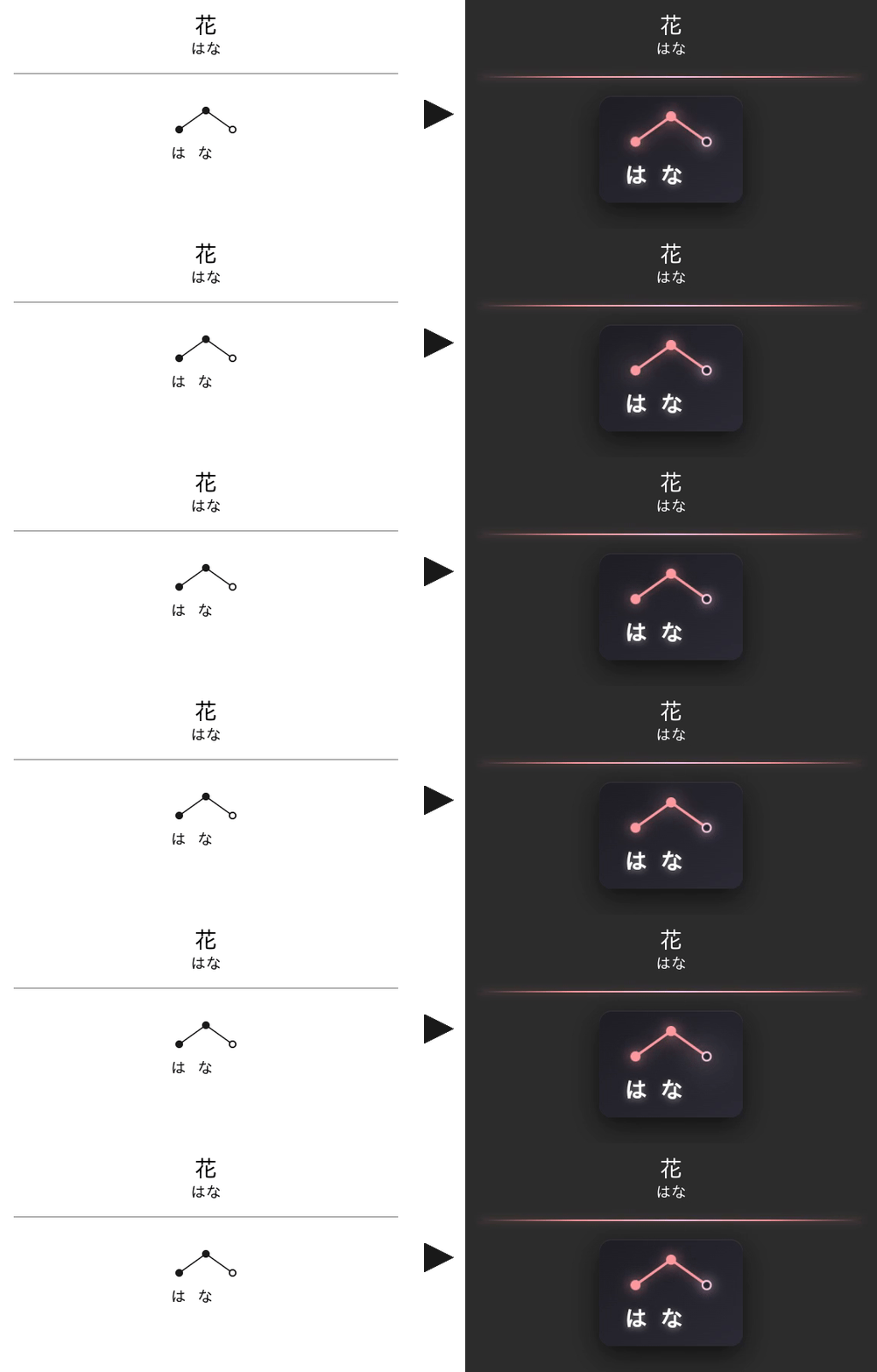
You can also use CSS to remove the divider line.

For details, look at the styling documentation on Github.

If you’re using night mode, use the following style to invert the pitch accent color.

.nightMode svg.pitch {
    filter: invert(1);
}

Limitations

β‘  Does only support words (and some expressions), but not whole sentences.
β‘‘ If the field in a card with the Japanese expression contains additional text, pitch accent lookup might fail (e.g. β€œ<ζ•°ε­—>頭” in a card for the counter of large animals).
β‘’ When an expression has several possible readings (e.g. ζ±šγ‚Œ) the script tries to determine which one is used by inspecting the reading field of the card. This does not always work.

Report Issues & Make Suggestions

β†’ GitHub

Changelog

(details: source code)

2026/10/07 -- List decks in alphabetical order. (Thanks snow1555)
2026/09/14 -- Fix pitch adding in card editor on Anki 26.08 upwards. Make it more easy to style/hide the divider line (*only applies to annotations added with this or later versions; details here)
2023/05/07 -- Add function to automatically set single pitch. Make add-on Qt6 compatible. Various stability, performance and UI improvements.
2022/03/26 -- Fix bugs concerning functionality to manually add/edit/remove annotations. (Thanks kclisp)
2022/01/23 -- Update pitch accent DB (from roughly 100k to 200k entries).
2021/08/22 -- Add cancel buttons to selection dialogs.
2021/01/26 -- Add support for successive bulk adding of annotations to different fields of notes.
2020/10/05 -- Add functionality to manually add/edit/remove annotations.
2020/08/02 -- Make code compatible with new Anki 2.1.29 DB schema.
2019/09/22 -- Add support for multiple note types within a single deck.

README

Japanese Pitch Accent

An Anki addon to automatically add pitch accent information to cards.

> AnkiWeb <

Features

  • modes
    • bulk add and remove
    • manual add/edit/remove for single cards
  • accent illustrations
    • pitch accent illustrations are created as SVG; no image files involved and CSS stylable
    • illustrations include pitch annotations as well as aligned kana
    • each accent position corresponds to one mora; ζ‹—ιŸ³ (e.g. きゃ) are automatically merged
  • disambiguation
    • when an expression has several possible readings (e.g. ζ±šγ‚Œ) the script tries to determine which one is used by inspecting the reading field of the card
    • if a word is mostly katakana, katakana instead of hiragana are used in the illustration
  • compatibility
    • accent illustrations sync to mobile and web versions of Anki
    • night mode compatibility through CSS (see description on ankiweb)

Example

Development

Pull requests are welcome!
In doc/development.md you can find notes on things to do, as well as thoughts on common feature requests.

Notes