✨ Web Embed Tools
Explore all Ritornello decks and add-ons.
Turn a link in an Anki note into a tidy, resizable web view.




Web Embed Tools adds a small editor workflow for placing web pages directly in
Anki note fields. It keeps the stored HTML simple, while the editor provides a
floating toolbar for choosing and resizing an embed.
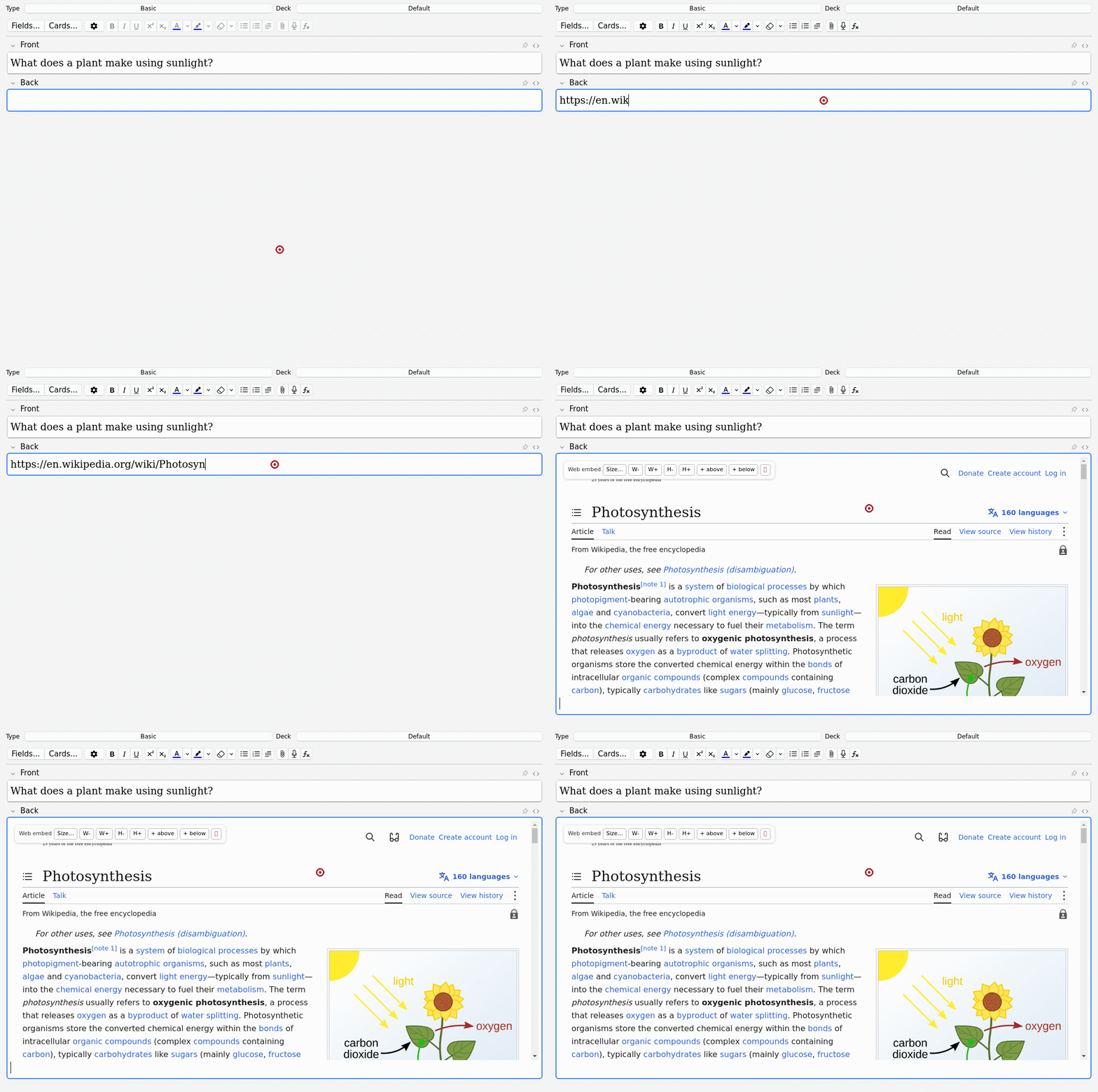
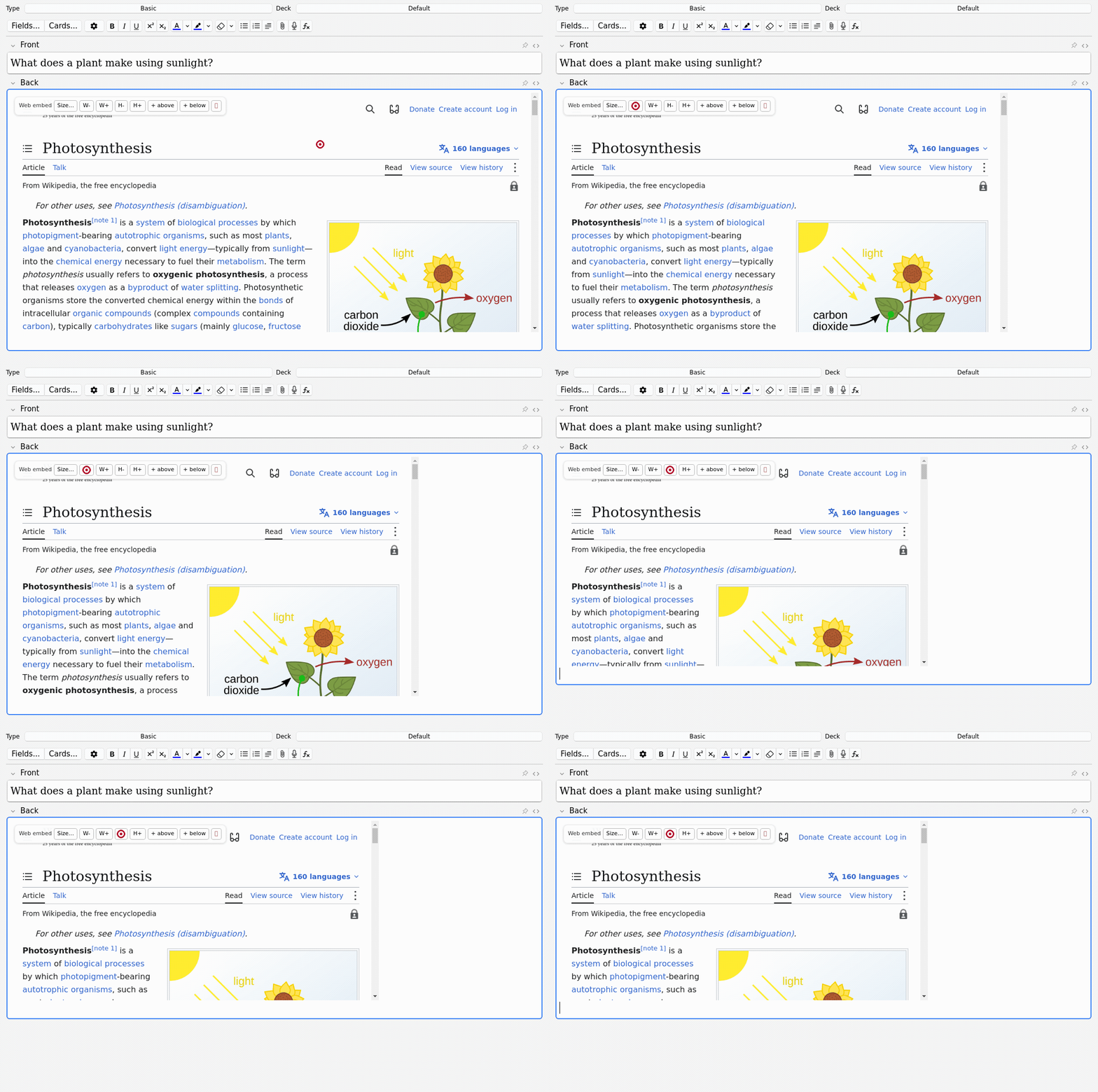
Browse the full media gallery.
Version 0.2.1 is published with a fix for selected-URL insertion in modern Anki editors. AnkiWeb installs update automatically; GitHub file installs require a manual update.
Install
Requires Anki 25.09 or newer.
- Install it from AnkiWeb, or download
web_embed_tools.ankiaddon from the latest release.
- In Anki, open Tools → Add-ons → Install from file… and select it.
- Restart Anki.
Use
- Select a raw
http(s) URL, or right-click an existing link.
- Choose Create Embed from URL.
- Select the embed to resize it, set an exact size, add a blank line above or
below it, or remove it.
The same controls work in the regular Add/Edit dialog and the Browser editor.
A small privacy and safety note
An embedded URL is stored in your note HTML and therefore may sync with the
collection. The external page loads when its card or editor is displayed, so
embed only sites you trust. Some sites intentionally block iframe embedding;
that is expected and cannot be changed by this add-on.
What is included
- Selected-URL and clicked-link conversion.
- Live editor embeds with practical resize controls.
- Canonical, portable field HTML that preserves the chosen size.
- A disposable Anki GUI smoke test for the editor hook.
Wikipedia search and Browser-wide bulk conversion are not part of this release.
Development
Only needed when working on the add-on itself:
make check
make package
make smoke
make smoke uses anki-addon-workbench
and a disposable profile; it never opens your everyday Anki collection.
The supporting design notes live in PLAN.md,
TECHNICAL_DESIGN.md, and BACKLOG.md.
License
MIT. See LICENSE.
Support continued development: ritornello.dev/support.
