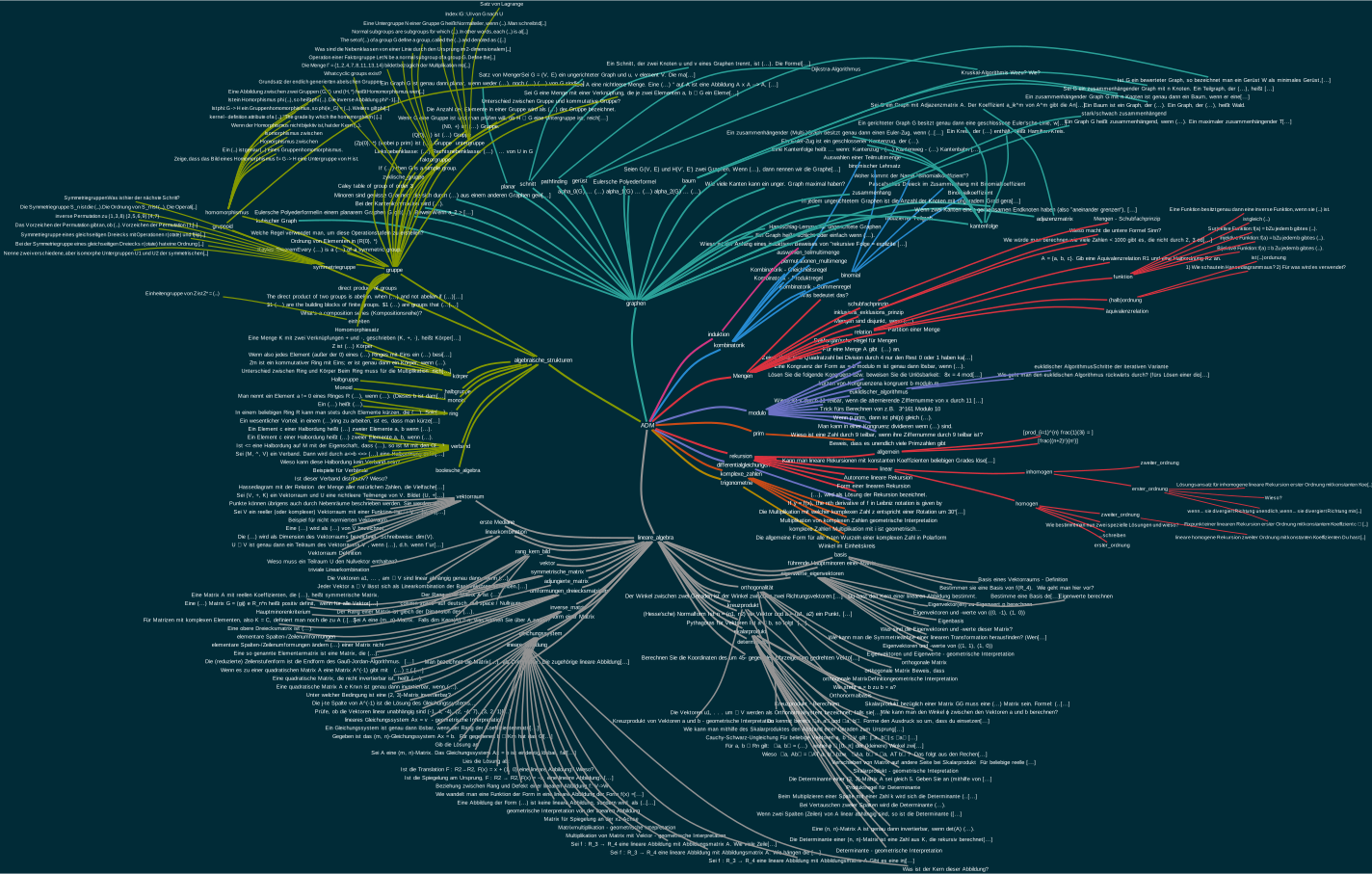
This add-on draws mindmaps/graphs/visualizations of a tag hierarchy.
Installation
This addon needs graphviz to be installed and to be on the PATH.
If you are using Windows make sure to check "Add to path for all users" during installation.
If you are using Mac Os detailed instructions for how to install graphviz can be found below.
Problems, Bugs, Errors, Improvements
If you have an idea for an improvement or encounter a problem please create an issue on Github.
Results



Usage
Go to the Card Browser->Mindmap->Create mindmap
This dialog will show up:

Installation of graphviz on Mac Os
First you need to install homebrew (https://brew.sh/) if you don't have it yet.
To do this, open the terminal, paste the line below and press enter:
/bin/bash -c "$(curl -fsSL https://raw.githubusercontent.com/Homebrew/install/HEAD/install.sh)"
Then tell homebrew to install graphviz by pasting this into the terminal:
brew install graphviz
This might be enough to make it work, but if it isn't run this in the terminal:
brew --prefix graphviz
This will give you the path to a file named "dot", for example "opt/homebrew/bin/dot"
Copy this path by selecting the text using your mouse and pressing command+c. Then go to Anki and tell it about the location of the file named "dot" by following the steps shown in the video. Note that the path to the file might be different in your case.
Changelog
2022-11-16 Fix scrolling in the preview window (thanks to github user khonkhortisan) and an error on the qt6 version of Anki
2022-11-15 Fix incompatibility with some add-ons
2022-04-03 Removed unnecessary warning when saving mindmap in non-interactive mode
2022-01-31 Added experimental Interactive mindmap + support for Anki 2.1.50
2021-05-19 Fixed "Show" feature not working on Windows
2021-05-19 Branches are sorted alphabetically now
2021-05-18 Added maximal branch depth slider, Fixes
2021-05-08 Added workaround for Anki not finding graphviz. Fixes
2021-04-25 "Include notes" now works with all notes that have a field named "Front"
2021-04-24 Fixed some crashes + UI improvement
2021-04-22 Improved Show window
2021-04-19 Small fixes
2021-04-11 Moved menu to Browser, added Show button
2021-02-26 Fix: some tags not showing, crash when invalid tag name was chosen, some other things
2021-02-28 Added (more notes - bigger branches) option, Some fixes
Support my work
If this add-on is useful to you please consider buying me a coffee:


