In Check Anki Sync
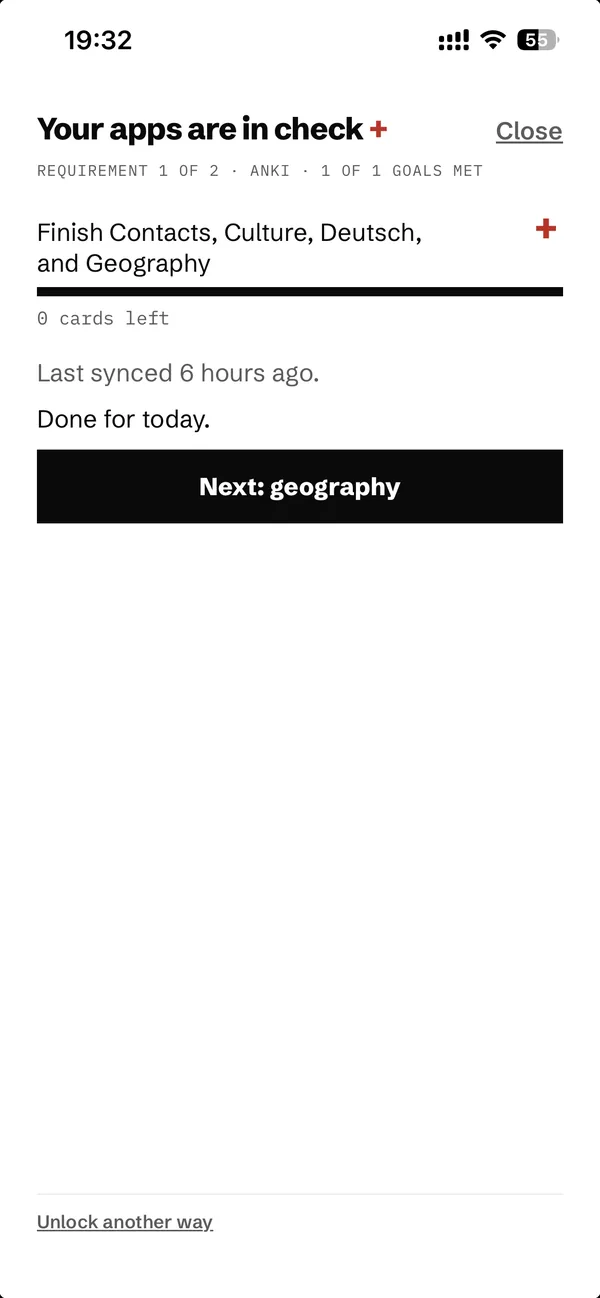
An Anki Desktop add-on for the In Check iPhone app. Study in Anki as usual, and once you've met the day's study goals, In Check unlocks the apps you've locked on your phone.
There's no account and no server. The add-on writes a small file of counts into the app's own iCloud Drive folder, and iCloud copies it to your iPhone. Nothing is sent to the developer.
What it sends
Only counts and deck names, for the decks you choose:
- each deck's name, its Anki ID and how many cards it has;
- reviews done today, cards studied and new cards seen (from Anki's review log, since the day started);
- time spent studying today, and how long an answer usually takes (over the last 30 days), so the phone can estimate how long is left;
- cards still due today (new, learning, review), after your deck limits, the same numbers Anki shows;
- the time Anki's next day starts ("Next day starts at" in Preferences);
- the add-on's version and when the file was written.
No card content, notes, media or review history leaves Anki. The file is status.json in iCloud Drive/In Check/AnkiSync/, and you can open it to check.
Setup
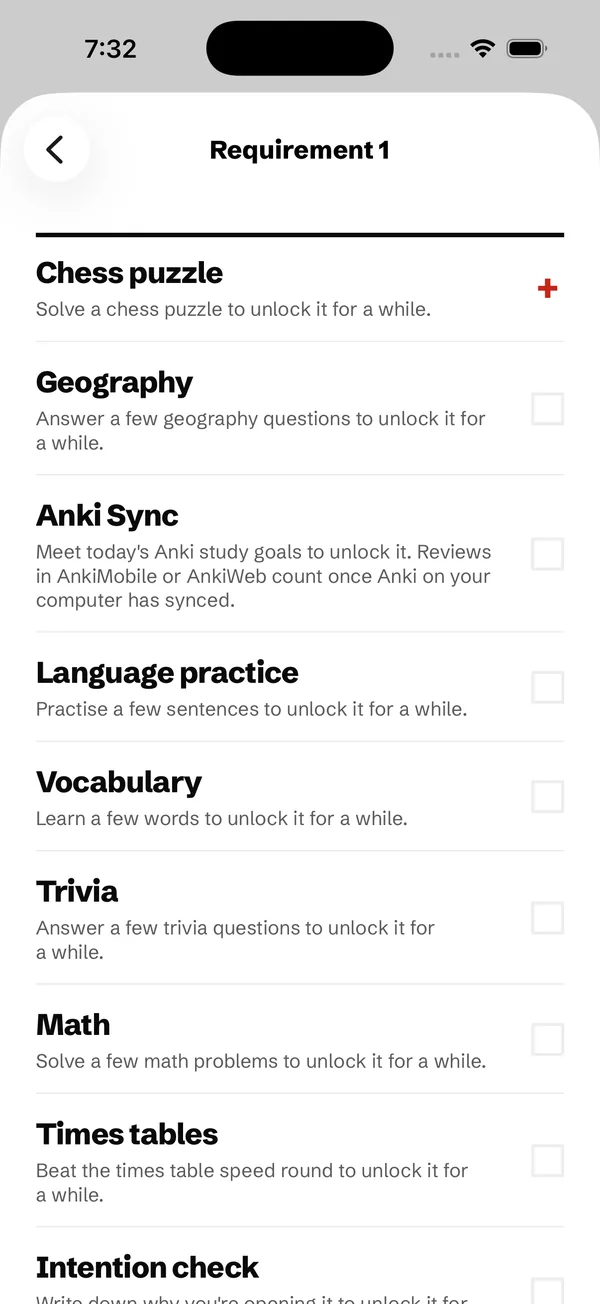
- On your iPhone, pick Anki Sync as the unlock method in the In Check app. Its setup page creates the folder the add-on writes to.
- On your computer, turn on iCloud Drive with the same Apple ID as your iPhone.
- In Anki, choose Tools > Add-ons > Get Add-ons…, enter the code 1560422238 (also shown in the app), then restart Anki. It's In Check Anki Sync on AnkiWeb. You can also download
in_check_sync.ankiaddon from Releases and double-click it.
- Choose In Check > Select decks… and tick the decks that count. Subdecks are included.
Progress is sent after each answer (at most every 20 seconds), after each AnkiWeb sync, when a profile opens or closes, and with In Check > Sync now. Reviews done in AnkiMobile or AnkiDroid count once Anki Desktop has synced them from AnkiWeb.
Where the file goes
- macOS:
~/Library/Mobile Documents/iCloud~com~zkashef~MinimalistChessPhone/Documents/AnkiSync/, found automatically. The folder appears once the In Check app's Anki Sync setup has been opened and iCloud Drive has caught up. (The folder's internal name comes from the app's iCloud ID, which can't change.)
- Windows (iCloud for Windows): the add-on looks in
iCloudDrive. If it can't find the folder, choose it with In Check > Sync folder… (the AnkiSync folder inside In Check). Not yet tested.
- Linux: iCloud Drive isn't available, so this add-on can't reach the phone.
Updating from version 1.1 or earlier
Earlier versions were installed as minimalist_sync. Installing 1.2 or later turns that copy off and keeps your chosen decks and sync folder. You can then delete the old copy in Tools > Add-ons. If you installed 1.2 from a file and then from AnkiWeb, keep the AnkiWeb copy (it gets updates) and delete the other.
Development
The status logic in in_check_sync/status.py has no GUI code, and the tests run it against a real temporary collection:
python3 -m venv .venv && .venv/bin/pip install anki pytest
.venv/bin/python -m pytest tests
./build.sh packages in_check_sync.ankiaddon for AnkiWeb or a double-click install. Supports Anki 23.10 and later.
Licence
GNU Affero General Public License v3.0 or later. See LICENSE.