ClozeHybrid: A Simple but Better Cloze
ClozeHybrid adds cloze-like functionality to Basic Note types. Normally, Cloze notes restricts you from Creating Multiple Cards from One Singular Note. ClozeHybrid allows you to hide words even on a "Basic" Note type, which will also enable you to create multiple cards from it.
Best Use & Why?
This is a very simple and basic script that I made for myself when I was learning German. When I tried using the in-built cloze from Anki, I was unable to add more Card types in the Cloze Note, which meant I had to create duplicates / set of 2 notes for the same grammar/word. Cloze Note only provided one type of card and that was cloze -> cloze + extra.
I wanted more fields so I could create more card types from the same note without making duplicates, which led me to create this script as all the other Cloze addons were way too complicated and did not fit my needs and most importantly did not support mobile.
To my knowledge this script is best used for learning languages
⚠️ Mobile Limitation
New cards must be created on your desktop. The add-on only runs on your desktop to pre-generate the fields. Once created and synced, you can perfectly learn and review your cards on your mobile device, but you cannot create brand new ClozeHybrid cards directly from the mobile app
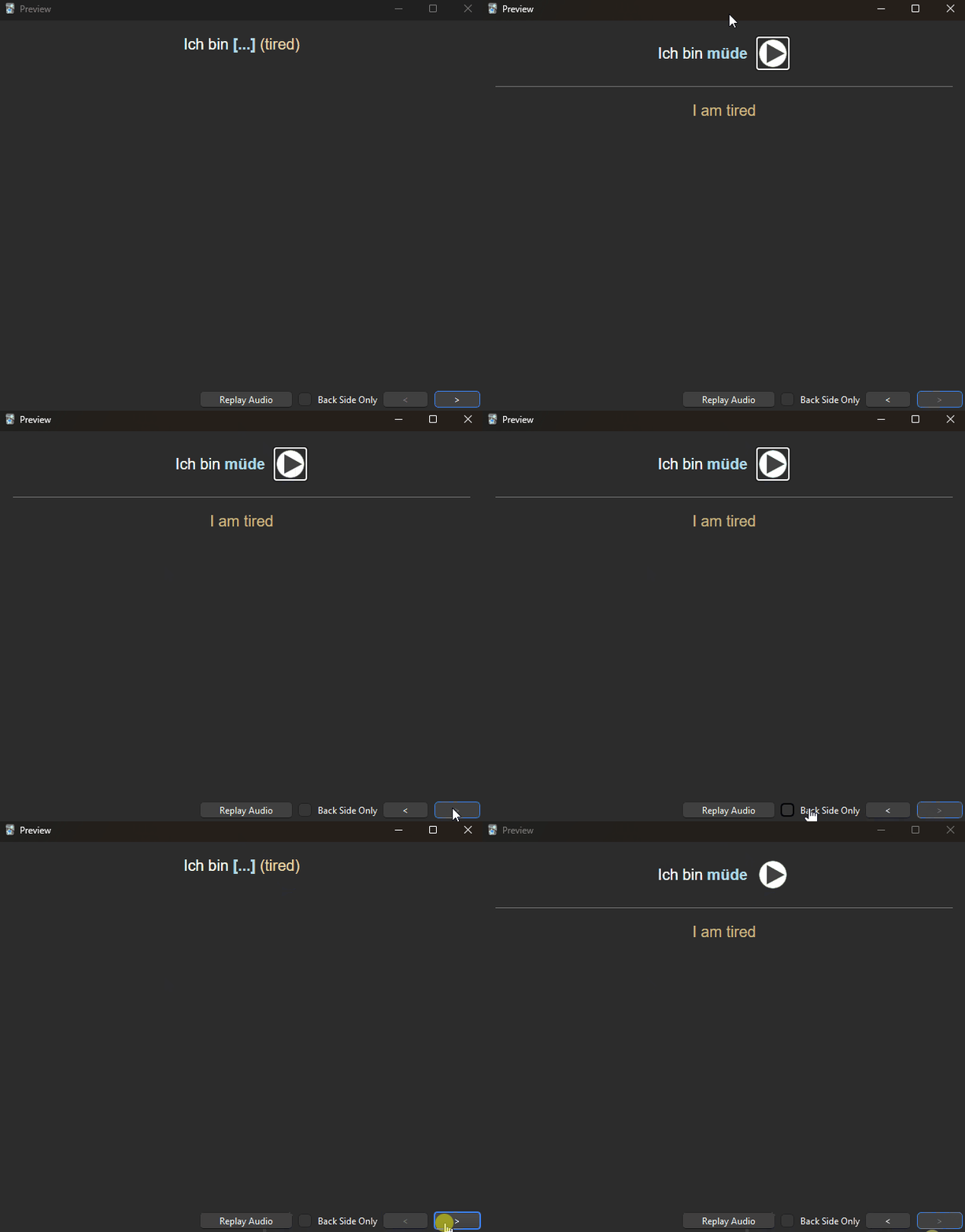
Preview
Shortcut
View
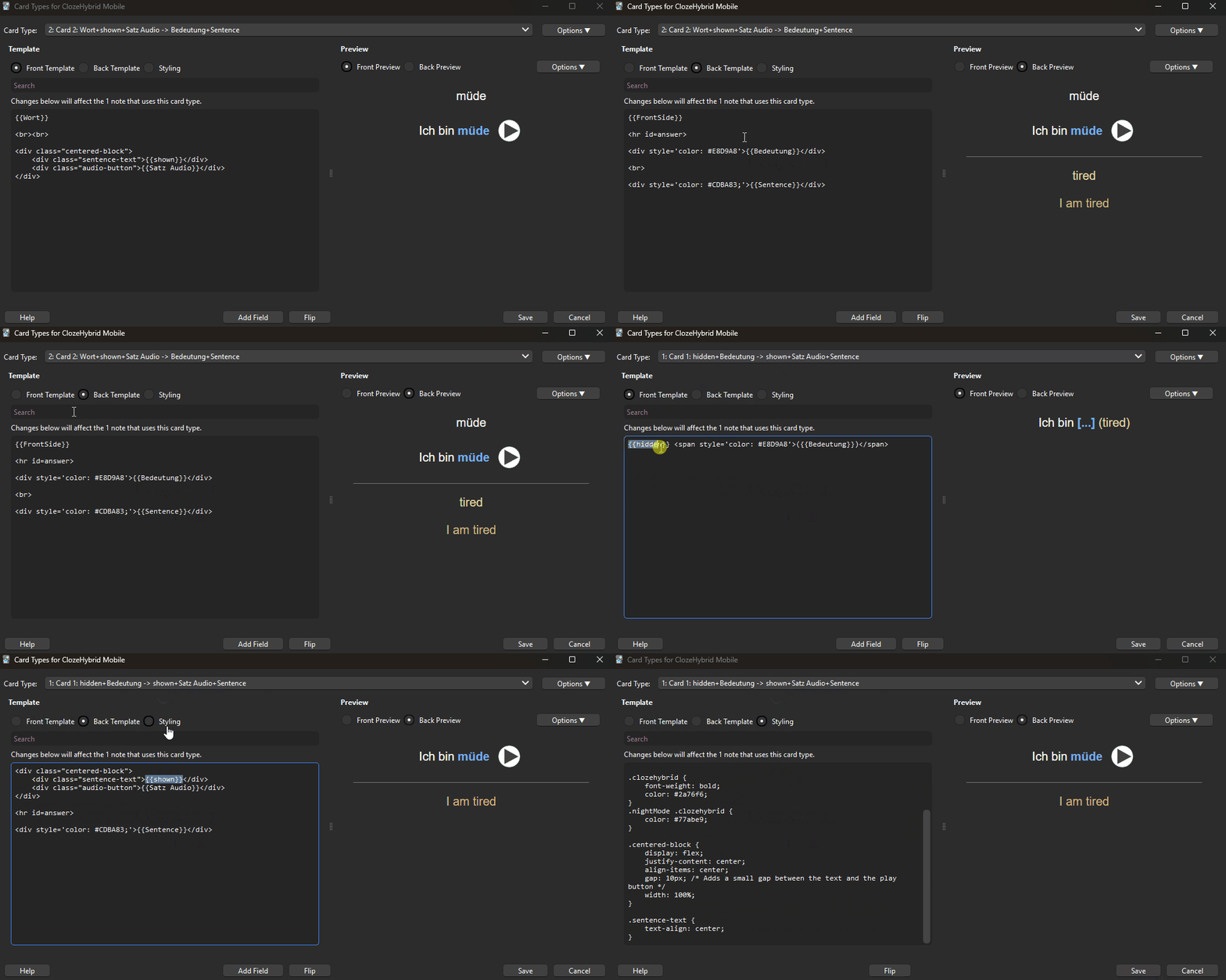
Note & Card Types
You may find both Note types (Desktop & Mobile version) in my discord saved in the same deck example
-
Desktop Note/Card: The custom Desktop Note/Card is NOT REQUIRED for proper functioning of the script. You may simply clone a 'Basic' type note and build it yourself along with filter options provided by this script (As of this moment only two exist: clozehybrid (default) and clozehybridforceshow)
-
Mobile Note/Card: The custom Mobile Note/Card IS REQUIRED for proper functioning. The name of the Note should ALWAYS be ClozeHybrid Mobile. This Note has a minimum of 7 fields. You may choose to add more fields but changing the order of the first 7 fields will break functionality.
Desktop Features & How to Use
Marking words in field to be hidden
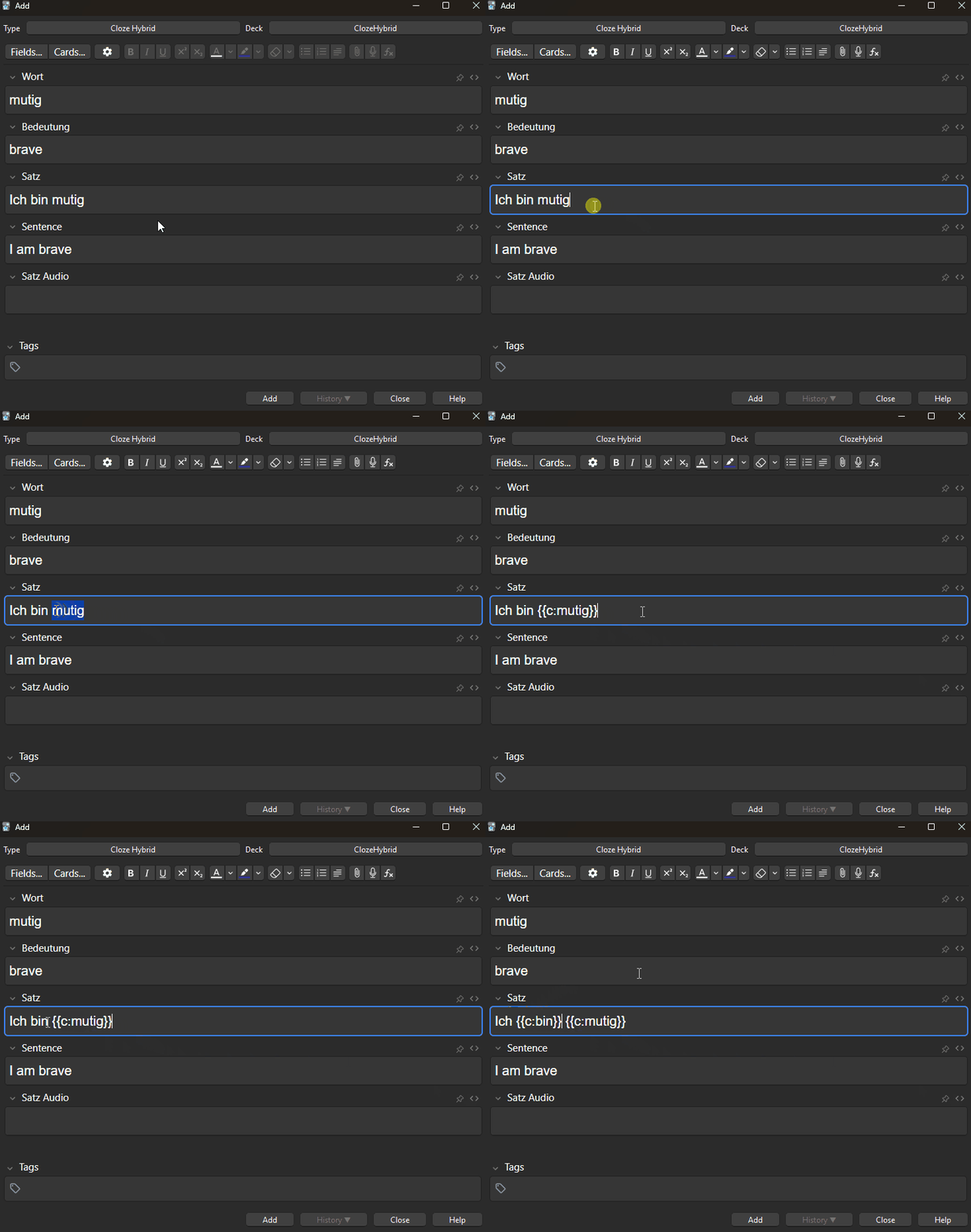
- Simply highlight/select the text you wish to enclose/hide and use the shortcut [CTRL+SHIFT+C]
- In the Template Section add the filter you would like to add (Default: {{clozehybrid:..}})
- By default functionality the Front Template will always hide the word and Back Template will always show the word
- If you wish to show the word in the Front Template use {{clozehybridforceshow:..}}
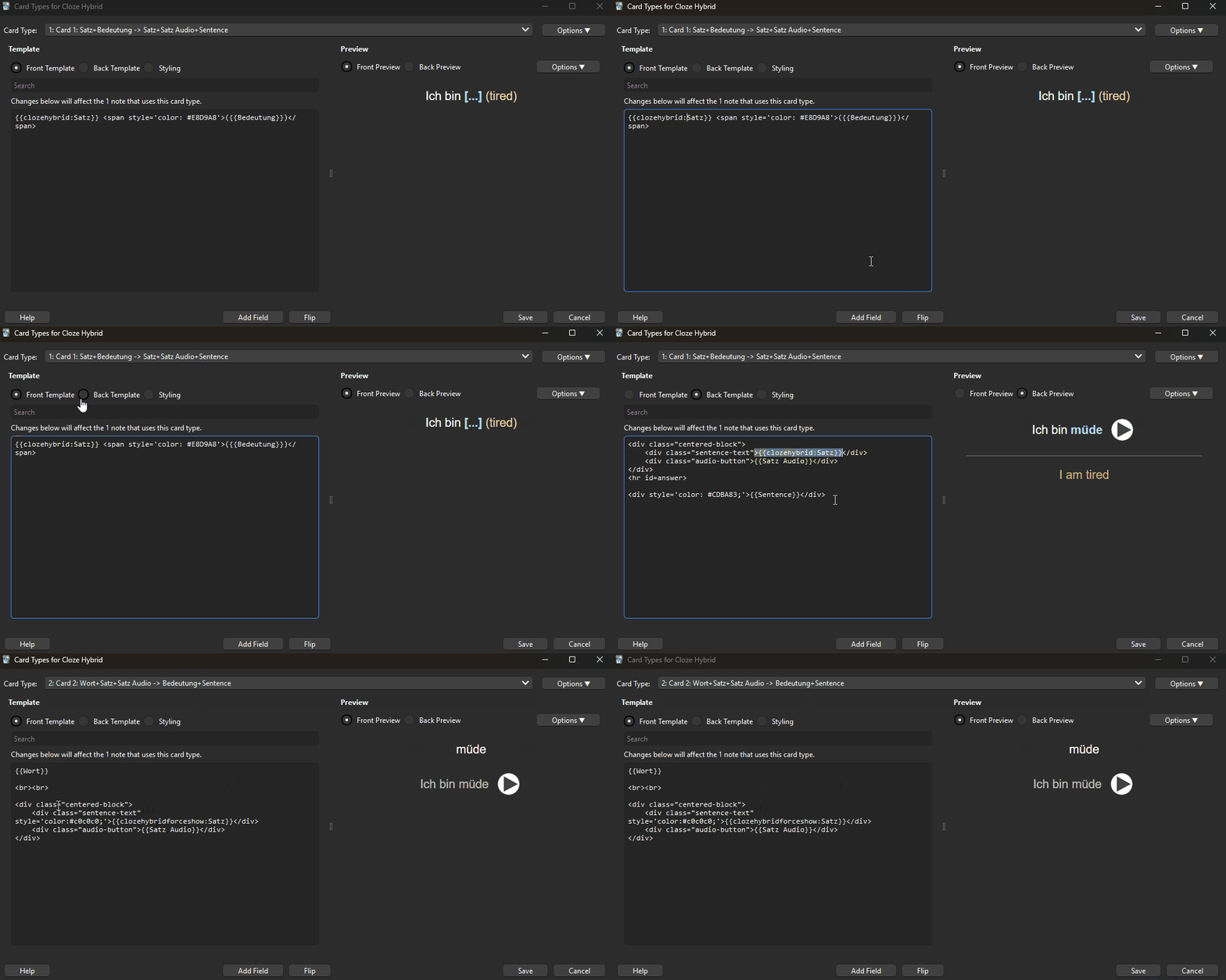
Mobile Features & How to Use
Note Requirements
-
Note MUST be named 'ClozeHybrid Mobile'
-
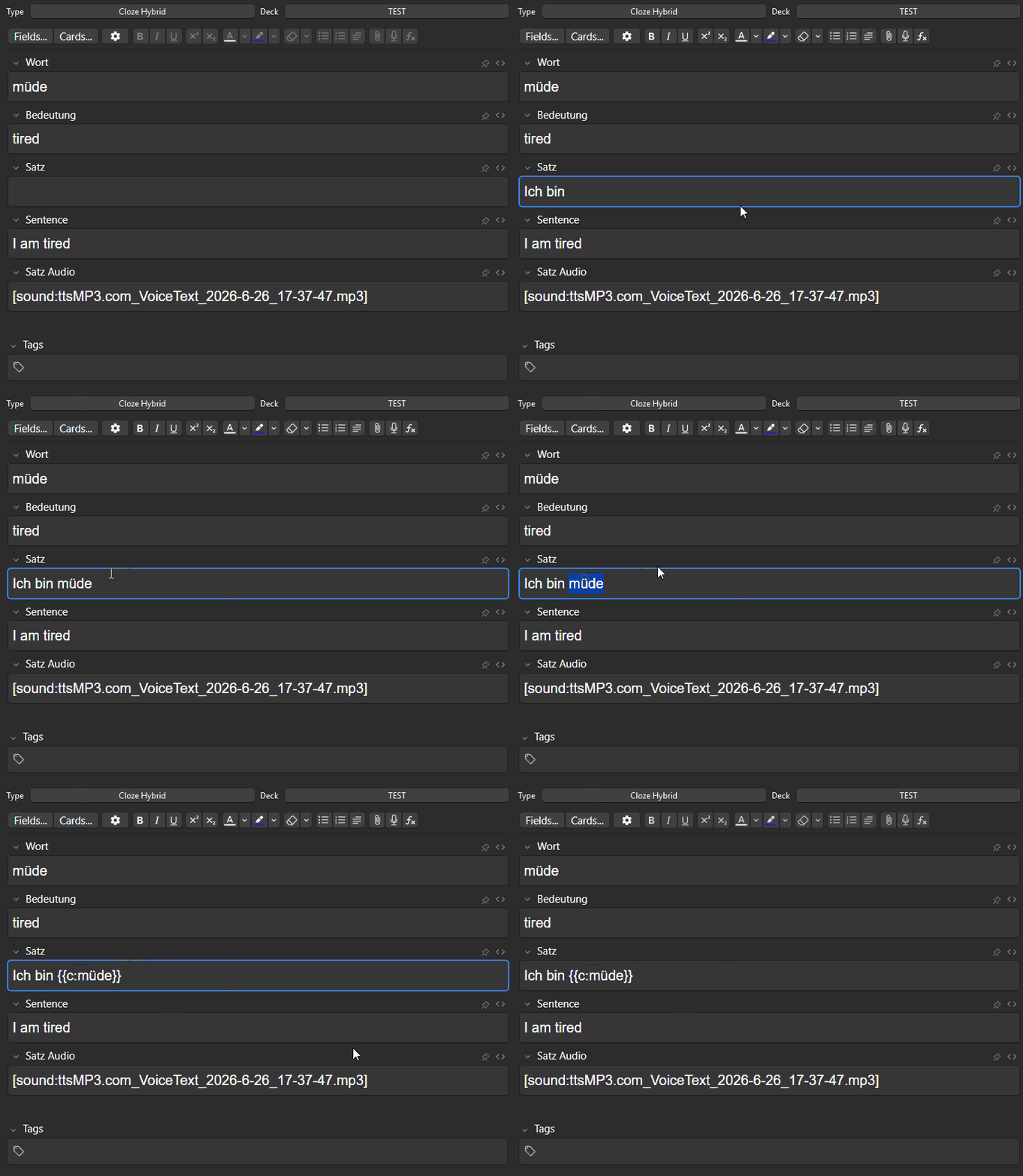
Note MUST contain a minimum of 7 fields in the exact order shown below:
- Word in the target language
- Word in the native language
- Sentence in the target language with {{c:...}} around the word
- Sentence in the native language
- Audio file in the target language
- Hidden Sentence field (auto-generated text)
- Shown Sentence field (auto-generated text)
-
The fields 1-5 must be filled by the user. Field 6 & 7 will be auto generated by the script when field 3 is filled
-
The field names can be given by user but ORDER MUST REMAIN THE SAME
-
Addtional fields may be added
Note format is in my discord inside the Deck Example
Usage Example
Front and Back Template Example