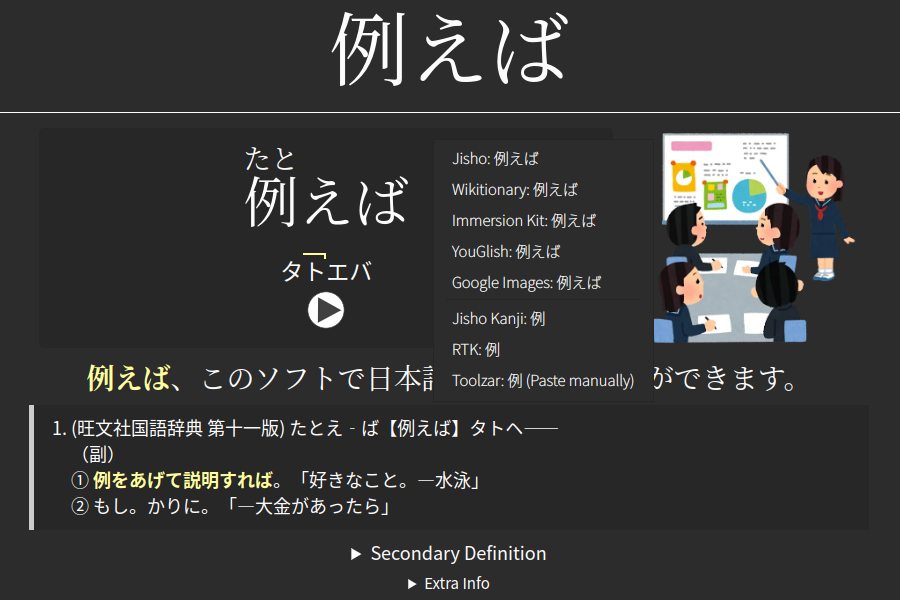
Scrapes Japanese definitions from Weblio's online dictionary for selected notes, cleans the text, and supports configurable fields and multi-threaded batch lookups.
card-creationdictionaryfork-or-reupload
Shows popup kanji entries from an RTK deck for highlighted text or the current card's first field via hotkey, supports keyword lookup, and finds other words containing the same kanji.
searchdictionaryfork-or-reupload
Highlights search terms in the Browser's Editor pane, adds two search modes and hotkeys for jumping to or selecting results, and lets you toggle highlighting.
searchshortcuts
Cleans Japanese text in Anki notes by removing unnecessary spaces and furigana while preserving reading spaces and HTML, with preview, diff, undo, and change-log safeguards.
note-managementformatting
Tracks daily reading, listening, speaking, and writing practice, sets monthly goals, organizes learning resources, visualizes fluency balance with radar charts, and supports separate profiles for multiple languages.
statisticsprogress-trackingappearance
Searches selected reviewer text via right-click or quick search and displays results in customizable pop-up tooltips, with highlighting, deck filtering, font, zoom, and result options.
searchfork-or-reupload