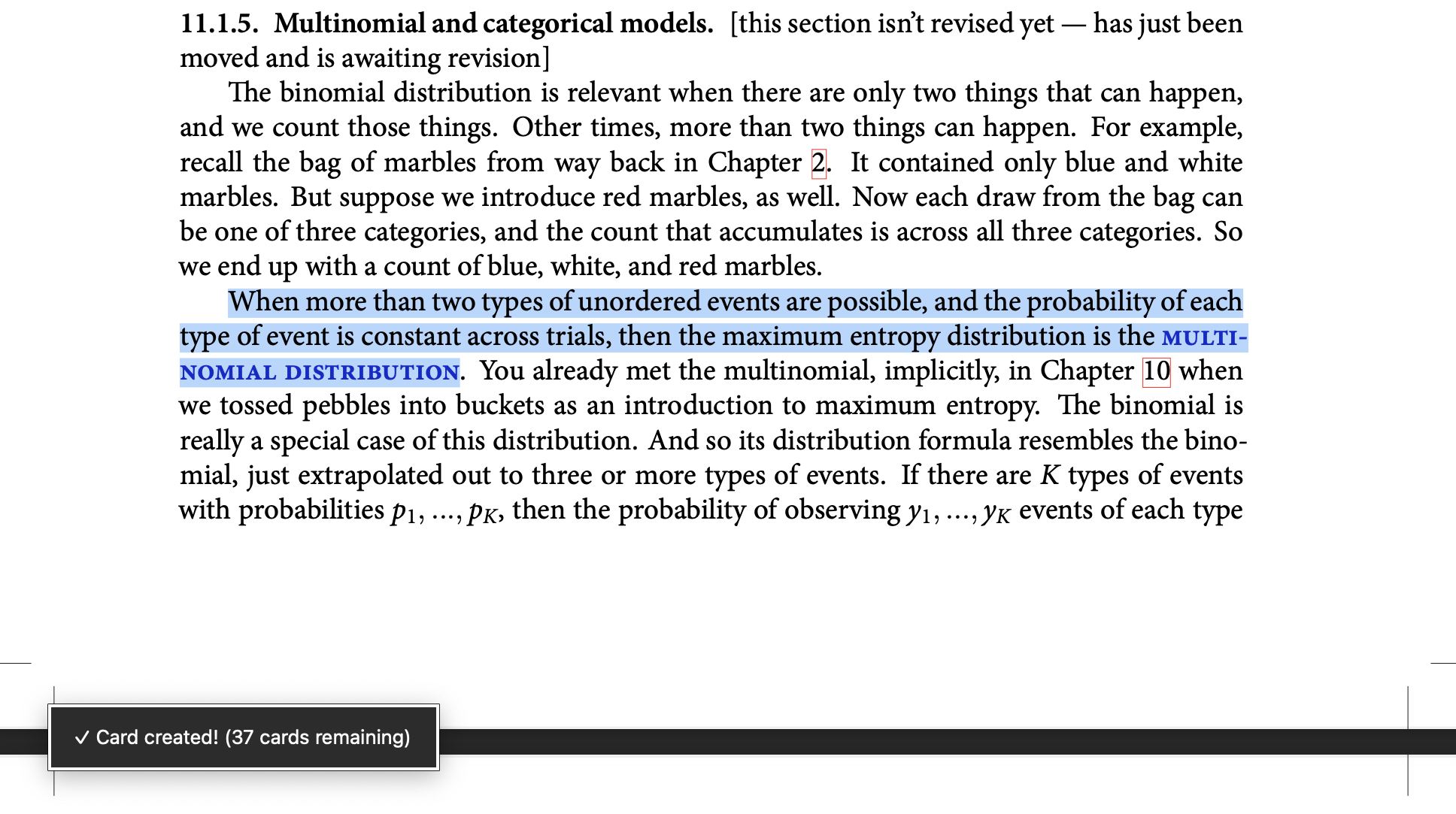
Reads PDFs inside Anki, links flashcards to their exact source page, and uses Gemini AI to generate cloze cards and explanations.
card-creationaiimportreview-flowcloze
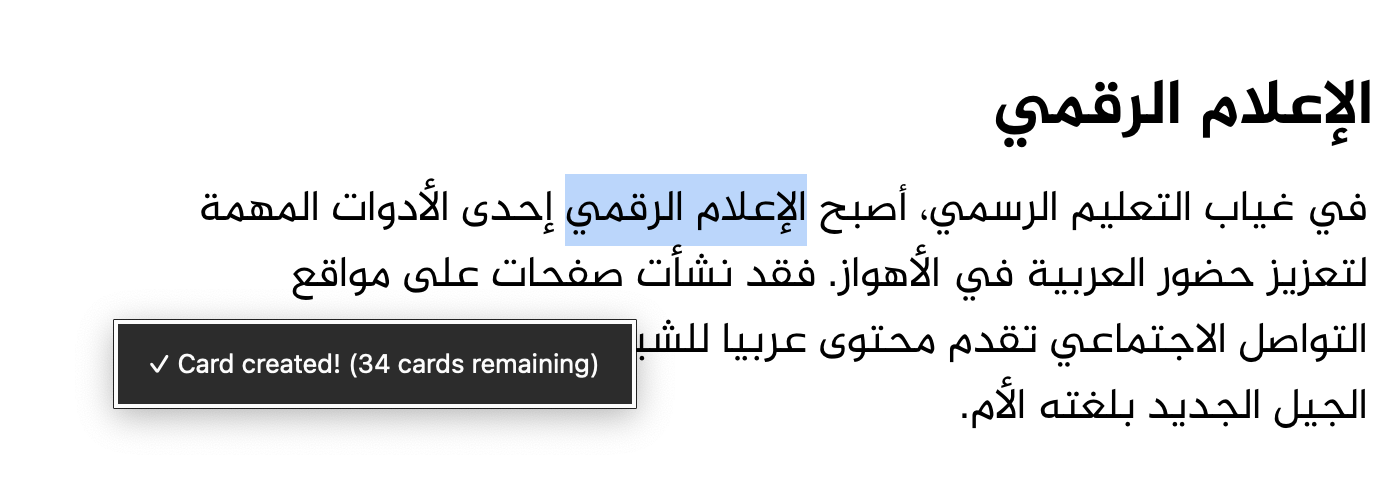
Supports incremental reading in Anki by importing webpages, feeds, and Pocket articles, extracting or highlighting text into cards, and customizing shortcuts, formatting, zoom, and scheduling.
card-creationimportschedulingformattingshortcutsfork-or-reupload
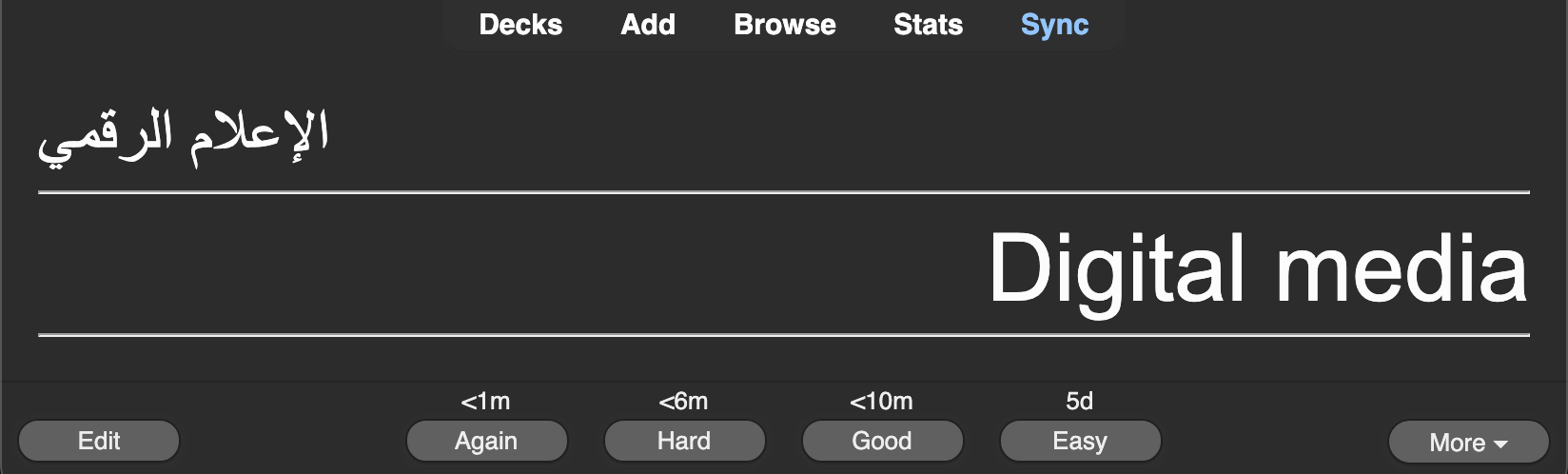
Generates basic, cloze, and pairing flashcards from any text using ChatGPT, with selectable model, card count, response length, editing, manual review, and automatic language detection.
card-creationaicloze
A deprecated incremental reading add-on that imports articles, web feeds, and Pocket items, enabling text extraction, highlighting, and card creation with customizable scheduling and shortcuts.
card-creationimportschedulingformattingshortcutsfork-or-reupload
Bulk-creates Anki cards from pasted text, one card per line, with deck and note type selection, delimiter splitting, tab-separated fields, tags, and optional browser display or auto-close.
card-creationnote-managementtaggingshortcutsfork-or-reupload
Highlights selected question or answer text on the review screen via a four-color palette, saving highlights as persistent HTML with eraser and undo support.
formatting