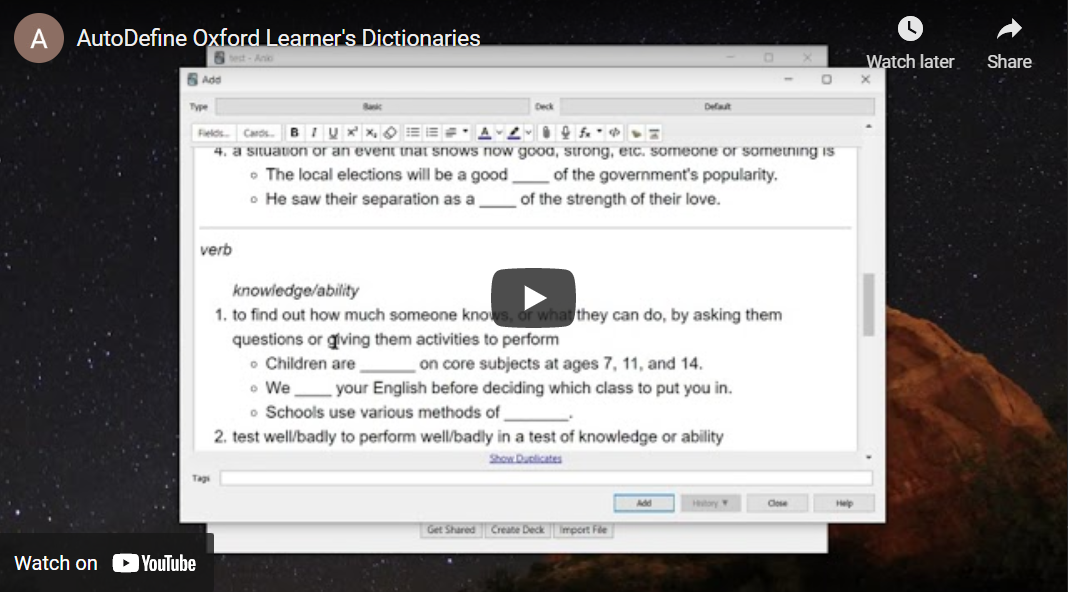
AutoDefine Oxford Learner's Dictionaries Anki Add-On


An add-on to Anki that auto-defines words, optionally adding images. Visit ankisrs.net if you're unfamiliar with Anki and spaced repetition systems.
Only tested on Anki 2.1.x.
Note: This add-on uses Oxford Learner's Dictionaries to get definitions. Html parsing method is used, no API key required.
Anki Add-On page
Configuration
- Install the add-on and restart Anki.
- Open Tools → Add-ons → AutoDefine Oxford Learner's Dictionaries → Config to adjust settings.
- With
USE_DEFAULT_TEMPLATE enabled (default) the add-on creates a note type named AutoDefineOxfordLearnersDictionary and switches to it automatically. This note type already contains fields for the word, definition, audio, phonetics, verb forms and image, so no manual setup is required.
- If you prefer to use your own note type, disable
USE_DEFAULT_TEMPLATE and set the field numbers to match your layout. Field numbers are zero‑based: the first field is 0, the second is 1, etc.
SOURCE_FIELD – field containing the word to define.DEFINITION_FIELD, AUDIO_FIELD, PHONETICS_FIELD, VERB_FORMS_FIELD, IMAGE_FIELD – fields that will receive generated content.
- Click Restore Defaults in the configuration dialog if you run into errors or want to start over.
For a full list of options see AutoDefineAddon/config.md.
Usage
Enter a word in the source field and click the add-on button or press Ctrl+Alt+E (default). The add-on will fill the configured fields with definition, audio and other information.
License & Credits
Code licensed under GPLv2
Originally was based on https://github.com/z1lc/AutoDefine but then was overwritten
Uses https://github.com/NearHuscarl/oxford-dictionary-api