macOS only. On Windows and Linux the add-on loads and does nothing.
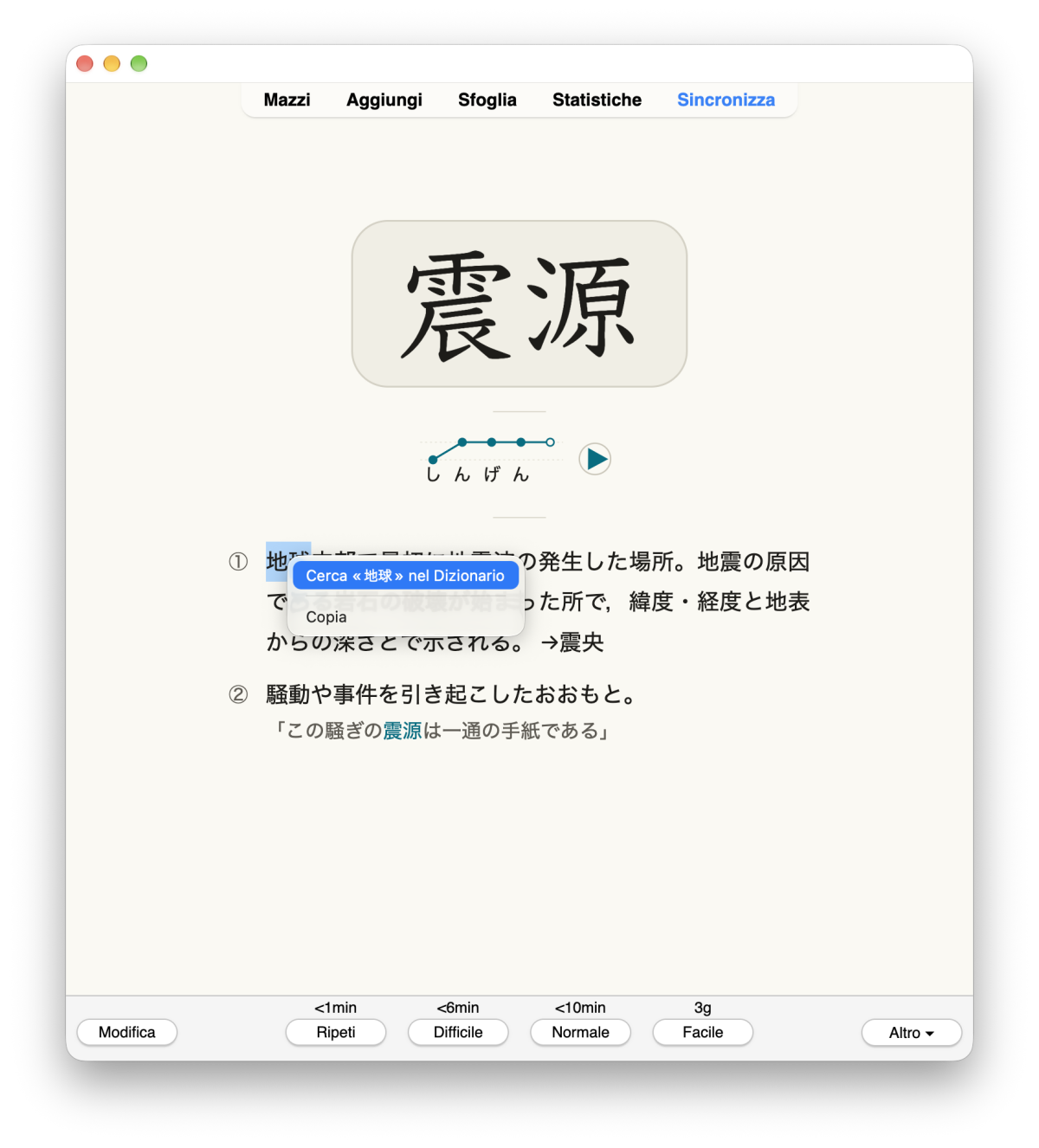
On any card, select a word, right-click and choose "Look Up "…" in Dictionary".
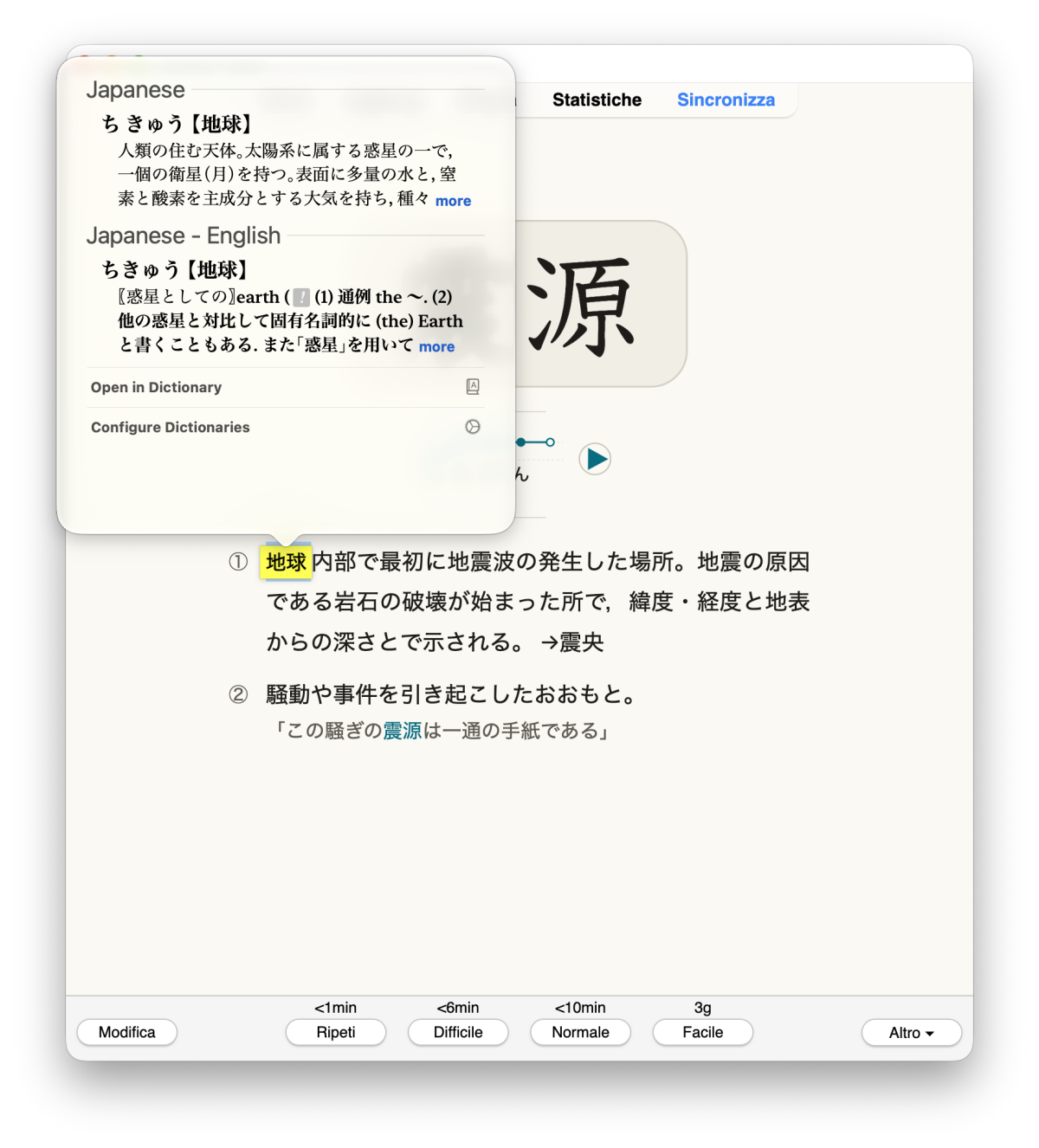
The macOS Look Up panel opens over the word as you are used to in macOS.
- Works in the reviewer, previewer, card layout screen and editor.
- Review shortcut: select a word and press L (configurable).
- Right-click menus on cards and in the editor are shown as native macOS
menus, with the same items (option native_menu).
- Menu item and messages in English, Italian or Japanese, following Anki.
Limitations: while a native menu is open, Anki's timers pause. Tested only
with Anki 25.09.4 on macOS 27, Apple Silicon.
Privacy: The selected text goes only to macOS Look Up or the Dictionary
app, and only when you ask. It uses Apple's AppKit through Python's ctypes,
with no extra libraries.
Earlier add-ons from other people: (OSX Dictionary Lookup, Mac OSX Dictionary Lookup).
Guide in English, Italian and Japanese, source code and bug reports:
https://github.com/Amost-/anki-macos-look-up
License: AGPL-3.0-or-later.

