UI Themes & Colors (Dracula, Nord, Tokyo Night, Paperwhite & Custom)

AnkiWeb addon 120261643

Applies curated dark, light, and e-book themes or custom palettes with real-time preview, adjustable card text intensity, styled navigation and answer buttons, and Ctrl+Shift+T access.
AI-generated summary; may contain mistakes.

formattingshortcutsappearanceaccessibility

Open on AnkiWeb Find alternatives

AnkiWeb

Votes
0 (πŸ‘ 0 Β· πŸ‘Ž 0)
Updated
2026-09-21
Anki versions
2.1.66~
License
Not found (this does not mean that the addon has no license)
Virus scan
No ClamAV match A match does not prove malware. No match does not prove that the code is safe.
Languages
Python, JSON
Description language
en

Maintenance

active

  • Last update or commit: 2026-09-21 (41 days before the snapshot).

GitHub

No GitHub repository linked.

Will it work on my Anki?

Version branches
Min AnkiMax AnkiUpdated
2.1.502.1.66+2026-09-21
History across monthly snapshots

Loading…

Similar addons

YomitanAnki

Provides an offline Yomitan-style popup dictionary with fast SQLite lookup, pitch accents, clickable kanji details, shadow DOM/iframe scanning, font customization, and instant theme presets across Anki's Reviewer, Editor, and Browser.

appearancedictionary

3 votes 44% approval πŸ‘ 3 Β· πŸ‘Ž 0 Anki 2.1.1~ Updated 2026-09-02
Anki Dictionary Add-on

Provides an in-Anki dictionary window for searching installed Yomichan/Migaku dictionaries, generating LLM definitions, fetching images and audio, and exporting results to note fields or cards.

card-creationaiexportappearancedictionary

4 votes 15% approval πŸ‘ 2 Β· πŸ‘Ž 2 ⭐ 13 Anki 25.09.2~ Updated 2026-04-11
The Widget Addon

Transforms Anki's home screen into a customizable study dashboard with 34+ coordinated light/dark scenes, drag-and-drop widgets, progress stats, a review calendar heatmap, and countdown timers.

statisticsprogress-trackingappearance
1 votes 21% approval πŸ‘ 1 Β· πŸ‘Ž 0 Anki 2.1.1~ Updated 2026-10-29

Description

Transform Anki's appearance with curated dark, light, and e-book themes, or fine-tune your own color palette with instant real-time live preview!

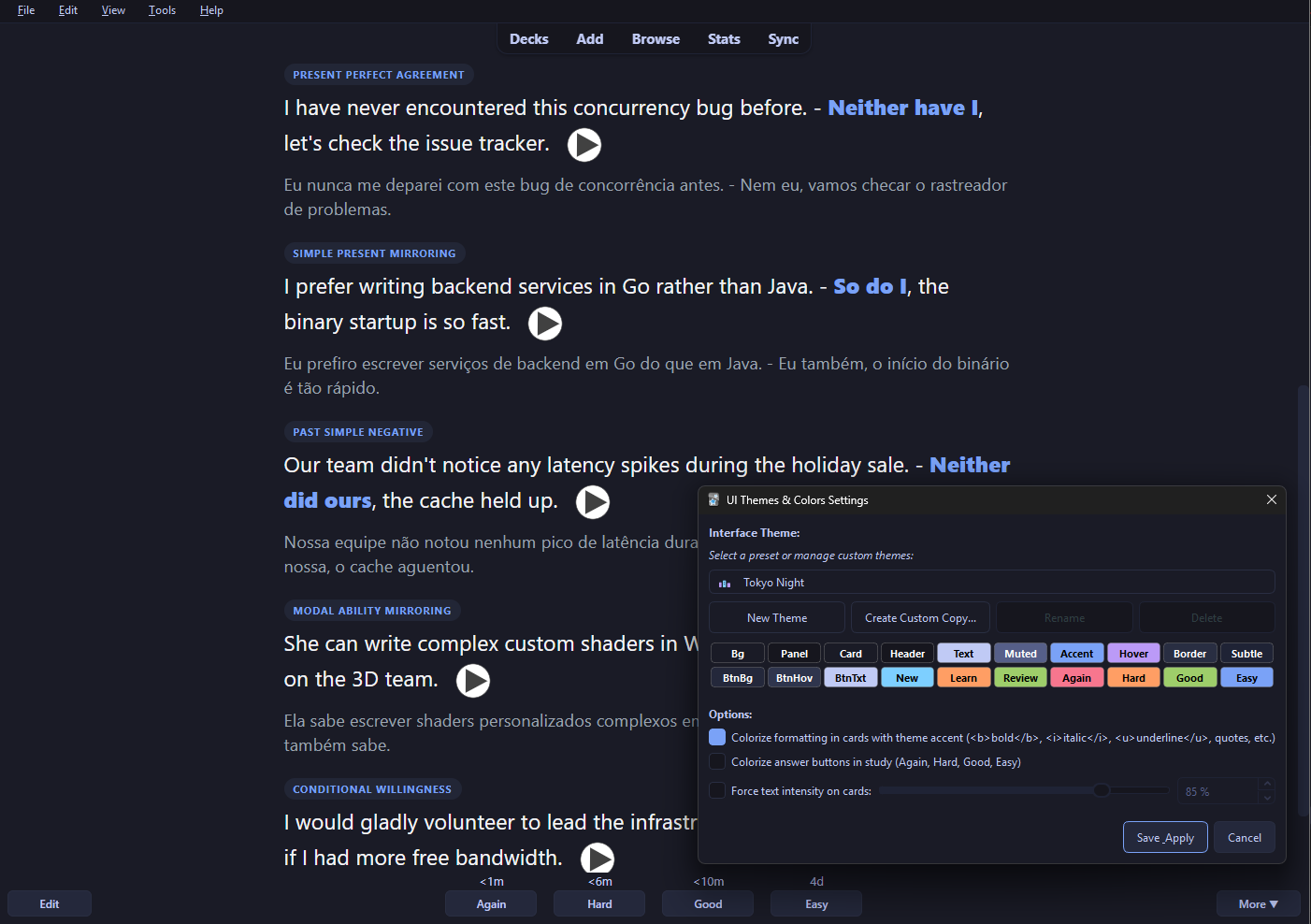
UI Themes Tokyo Night Settings

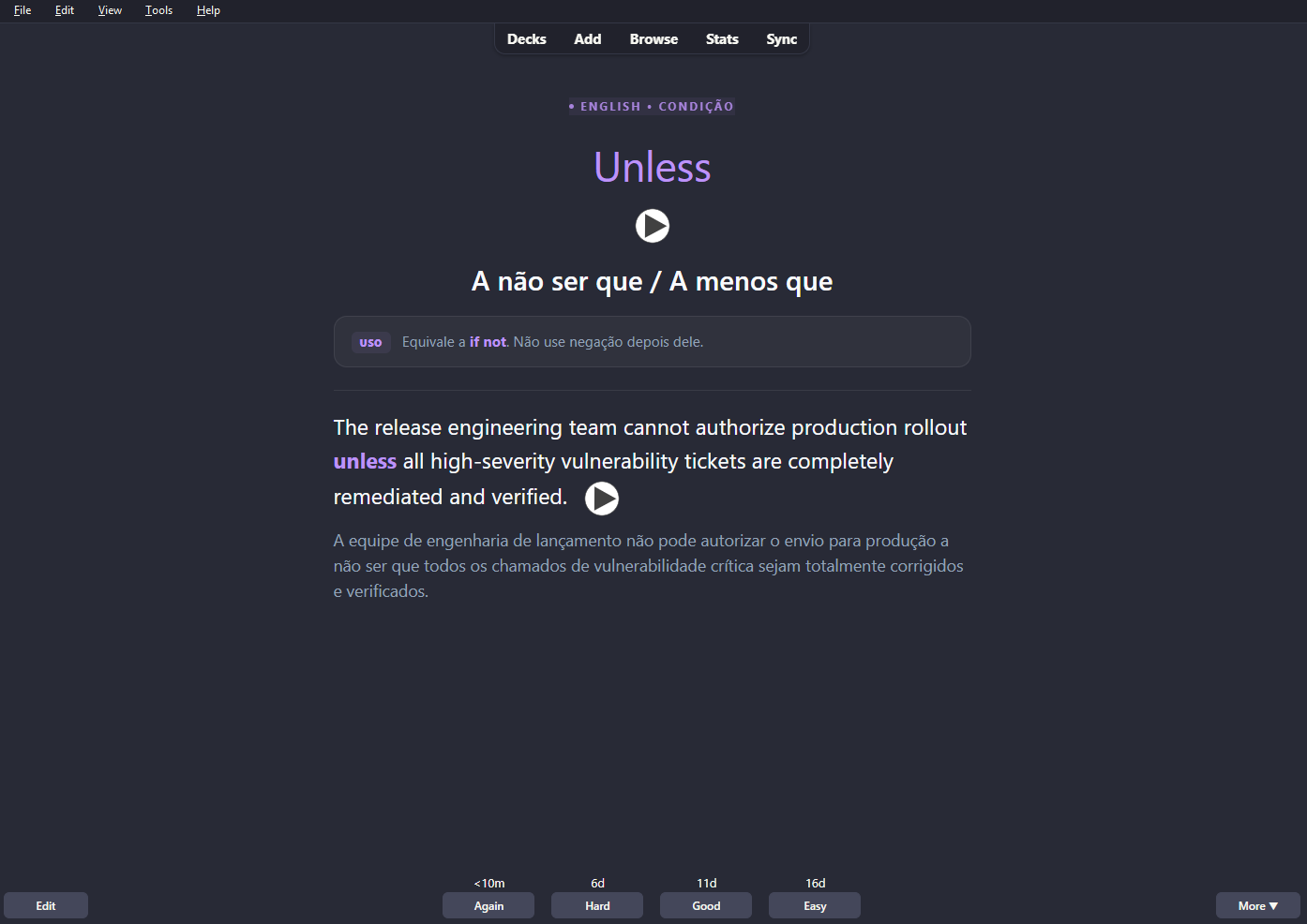
πŸŒ™ Dark Themes

  • Dracula: Classic purple/pink dark aesthetic
  • Nord: Arctic, north-bluish clean dark palette
  • Catppuccin Mocha: Soothing modern pastel dark theme
  • Tokyo Night: Deep neon nighttime theme
  • Gruvbox Dark: Warm retro groove palette
  • Sepia Dark: Comfortable low-contrast nocturnal reading

Dark Theme Reviewer

πŸ“– Light & eBook Themes

  • Paperwhite (E-ink Classic): Natural paper-white tone with fountain pen ink contrast
  • Sepia: Classic warm book reading tone
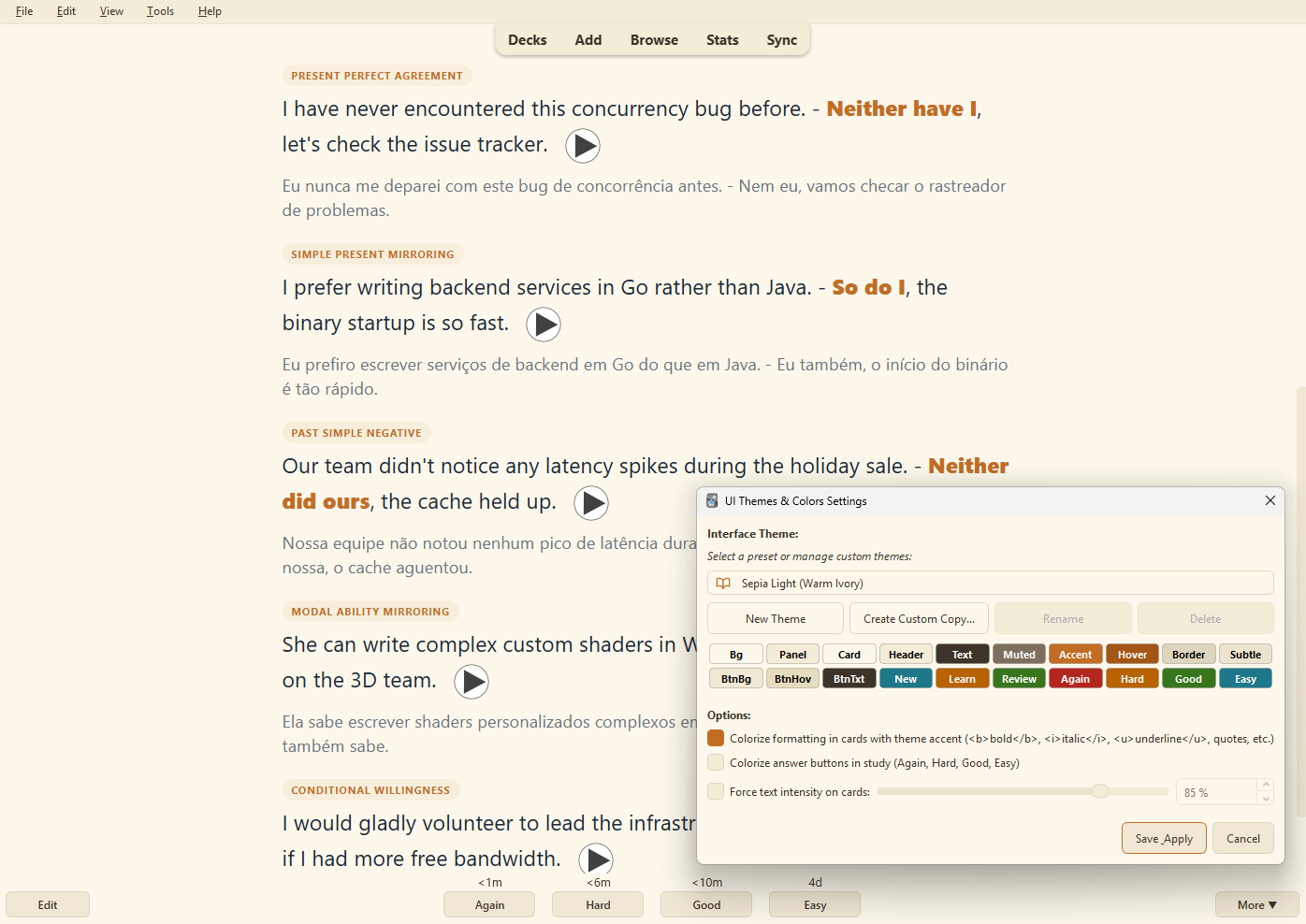
  • Sepia Light: Gentle daylight cream reading palette
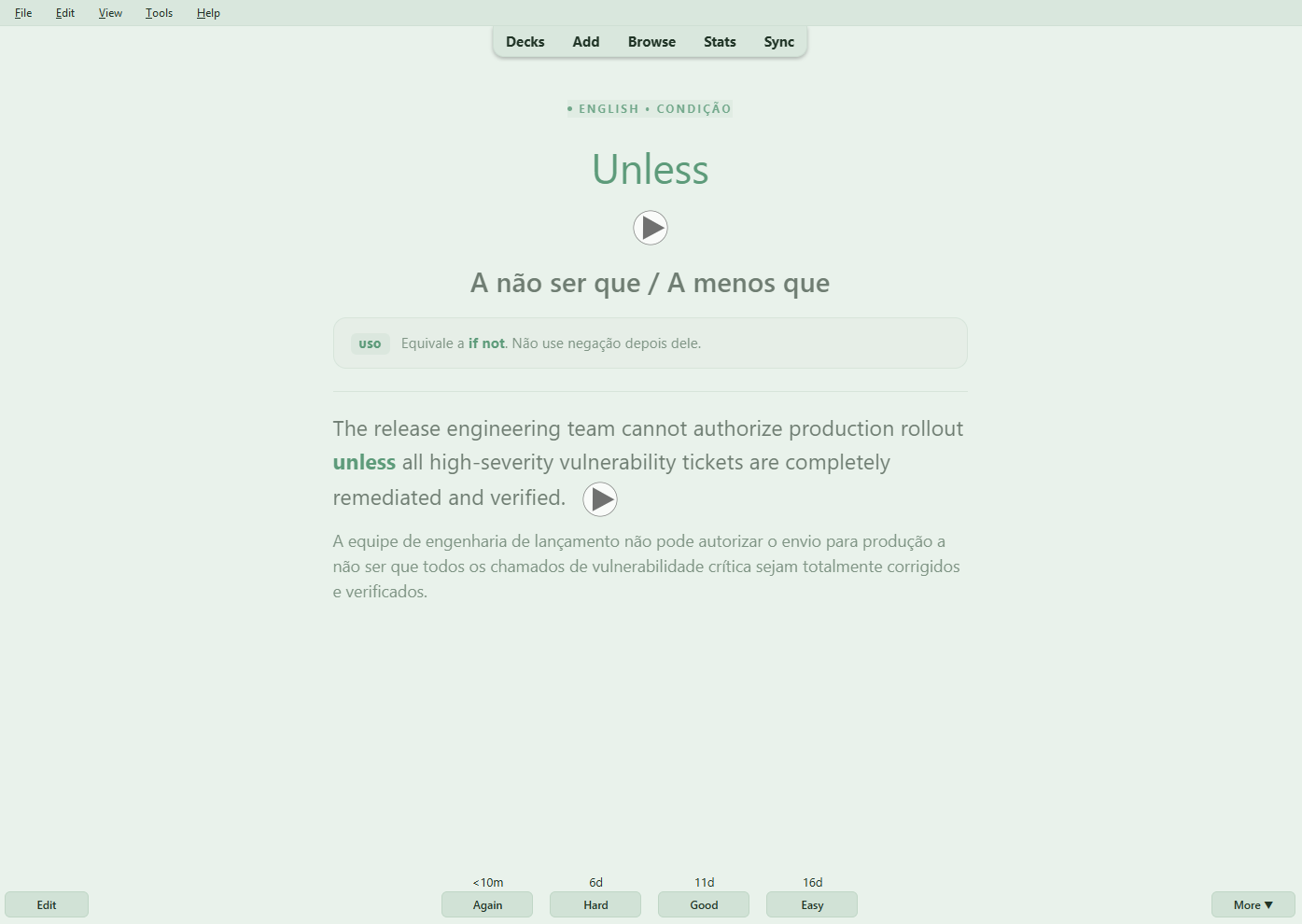
  • Mint & Sage: Soft herbal green paper aesthetic

Sepia Light Settings

Mint and Sage Reviewer

✨ Key Features

  • ⚑ Real-Time Live Preview: Instant color updates across the Deck Browser, Reviewer, and Menus without restarting Anki.
  • 🎨 Custom Theme Manager: Create unlimited custom themes with customized names, automatic color inheritance from any preset, and full rename/delete support.
  • πŸ‘“ Card Text Intensity Control: Built-in anti-glare brightness slider (30% to 100%) to soften pure white card text for comfortable, fatigue-free night study.
  • 🧭 Refined Navigation Bar: Floating pill buttons (Decks, Add, Browse, Stats, Sync) with dedicated background color customization and smooth rounded corners.
  • πŸ”˜ Answer Button Styling: Themed colors for Again (Red), Hard (Orange), Good (Green), and Easy (varies by theme).
  • πŸ–ŠοΈ Card Highlighting: Optional thematic accent coloring for bold (<b>) and italic (<i>) elements.
  • ⌨️ Quick Shortcut: Press Ctrl+Shift+T anytime to switch themes or tweak colors.

πŸš€ How to Use

  1. Go to Tools β†’ UI Themes: Settings... (or press Ctrl+Shift+T).
  2. Select any theme from the dropdown to preview it instantly.
  3. Create or customize your own palettes with New Theme and Edit Colors....
  4. Click Save & Apply to keep your changes!

Developed by @alyxhard - https://github.com/alyxhard

GitHub Profile