Focus Friends
A little friend. A timer. A reason to stay focused.
Reveal the answer before the timer runs out to keep your Focus Friend happy. Run out of time? They'll get sad—review five more cards in time to refill their hearts and cheer them up.
You don't have to get the card right. You just have to stay focused. (Unless you enable optional Hardcore Mode.)
Want company without the countdown? Turn the timer off and let your friend hang out with you.
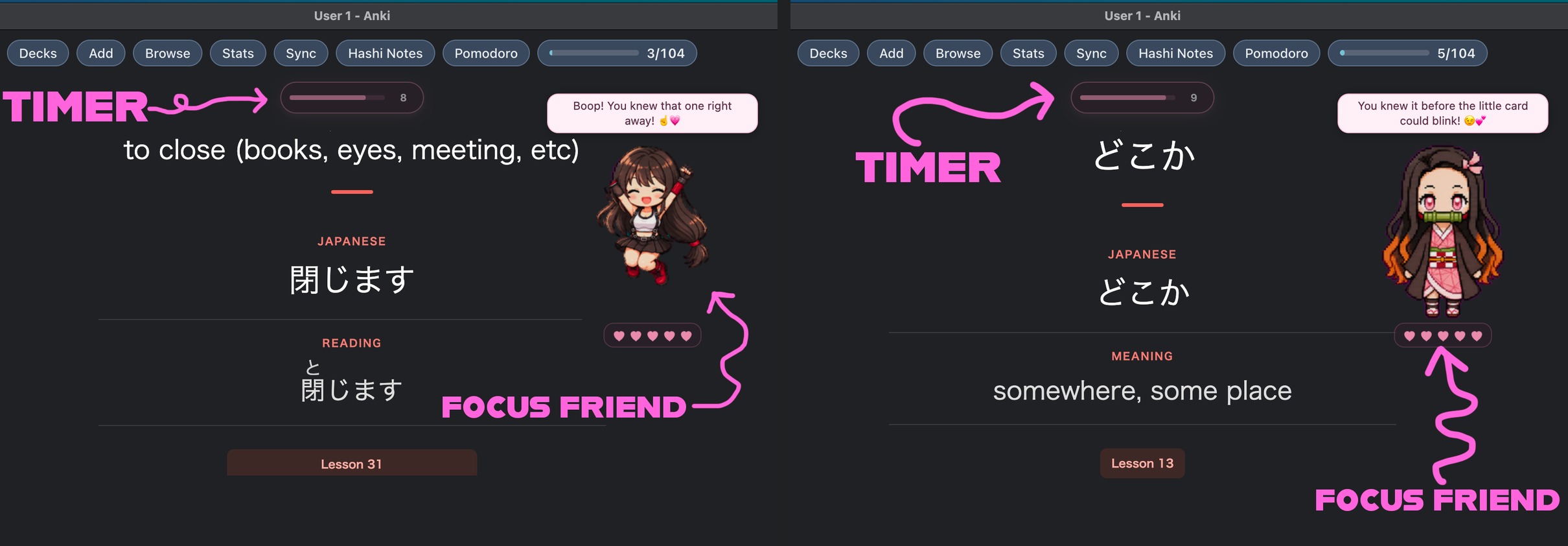
Your Focus Friend keeps you company while the timer helps you stay with each card. Choose your friend and move them and the timer anywhere. Your layout is remembered separately for each deck.
Encouragement along the way
Your buddy occasionally offers praise when you remember a card and encouragement when you miss one.
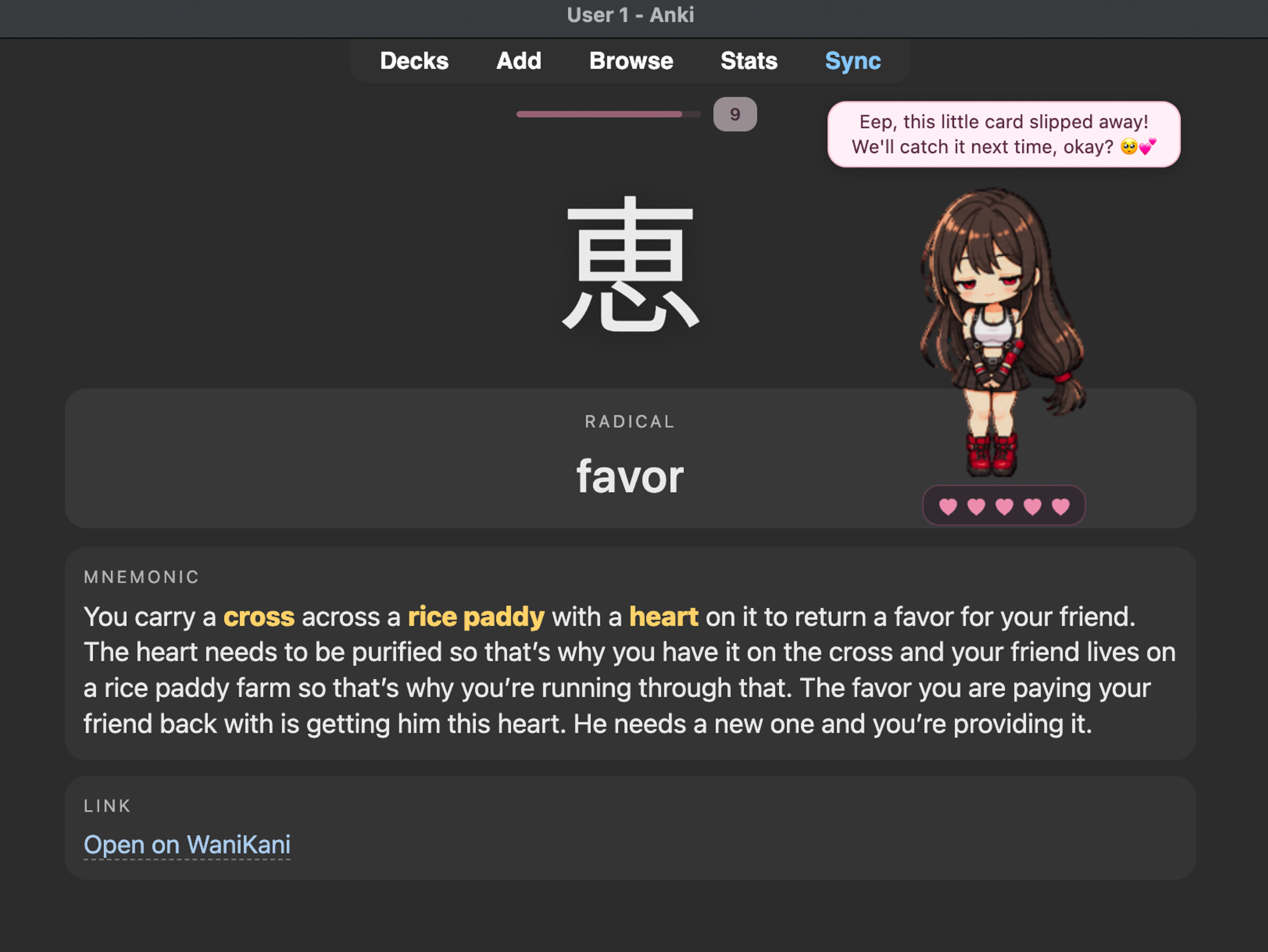
A missed review
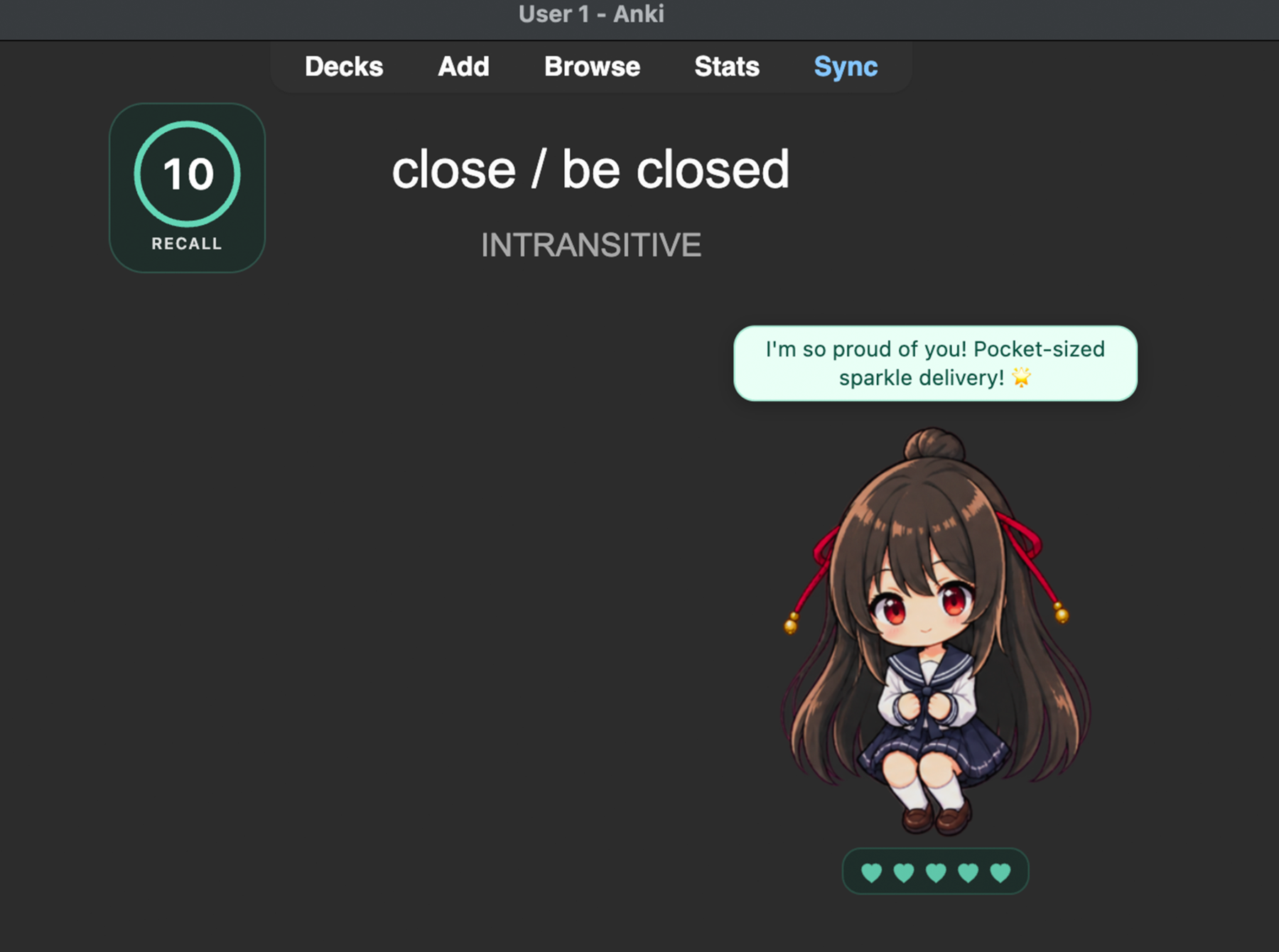
A correct review
Help your buddy recover
If time runs out, complete five later reviews before their timers expire to refill their hearts. The timed-out card itself doesn't count. You can change the recovery length in Settings.
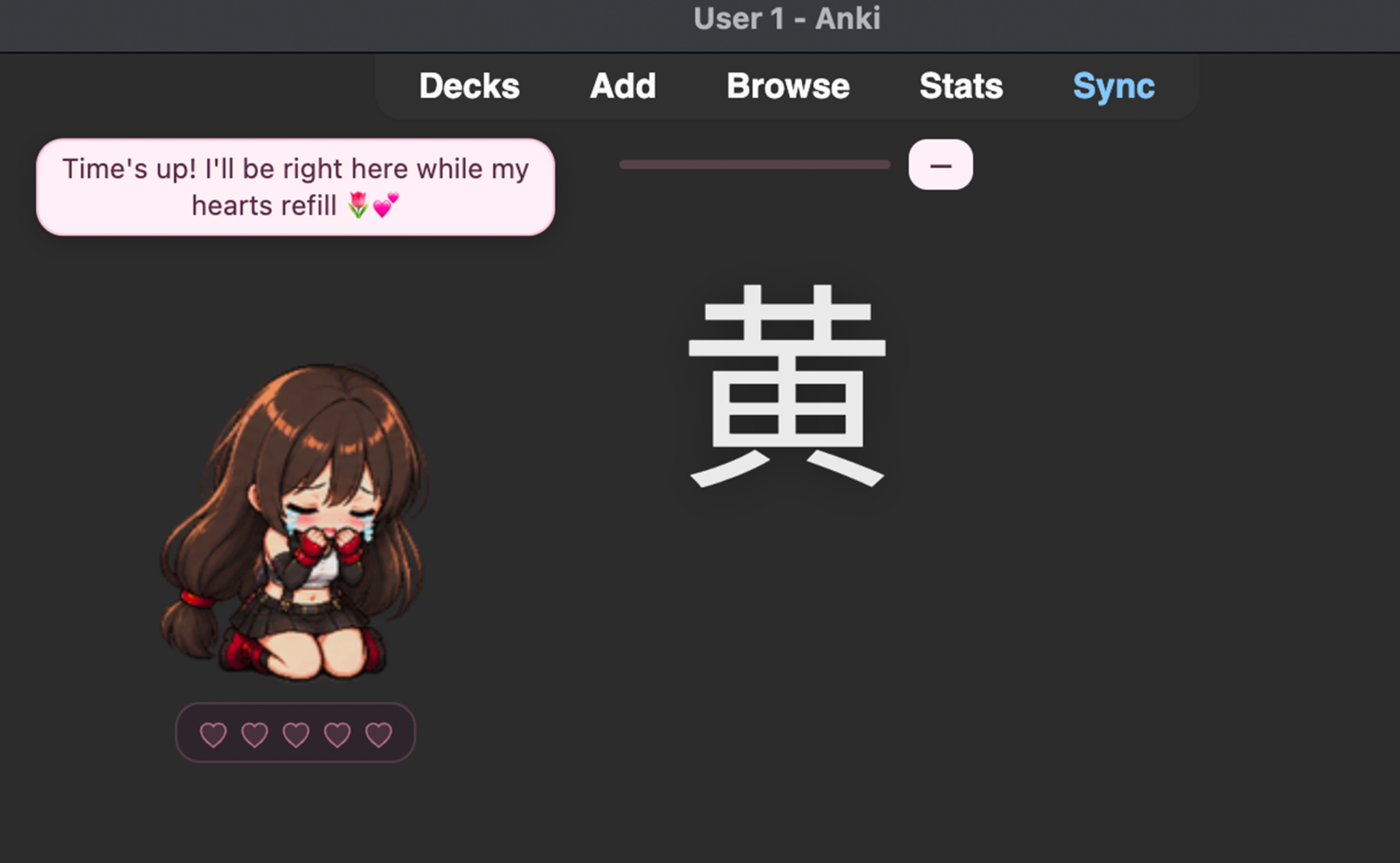
Just starting
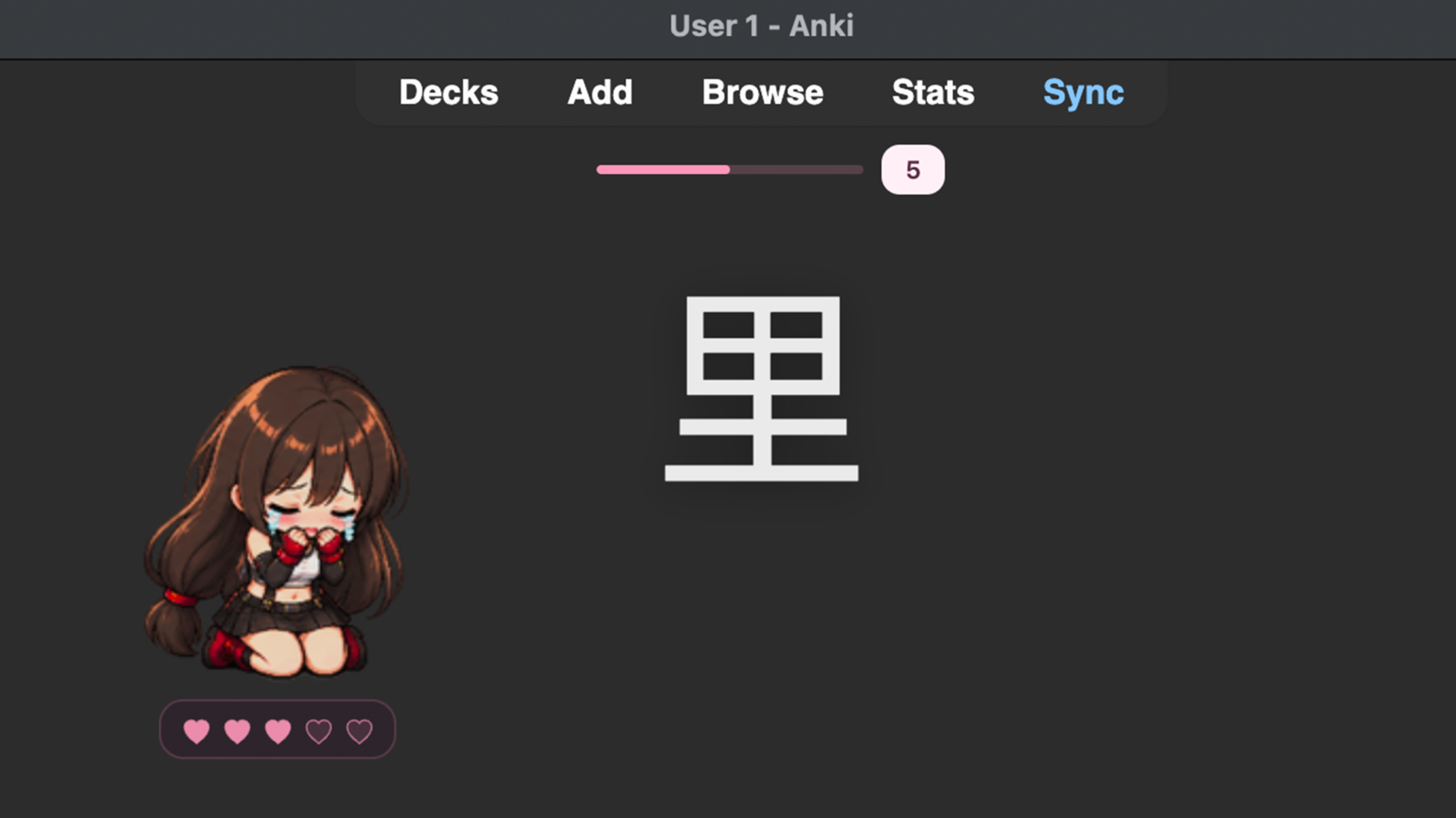
Halfway there
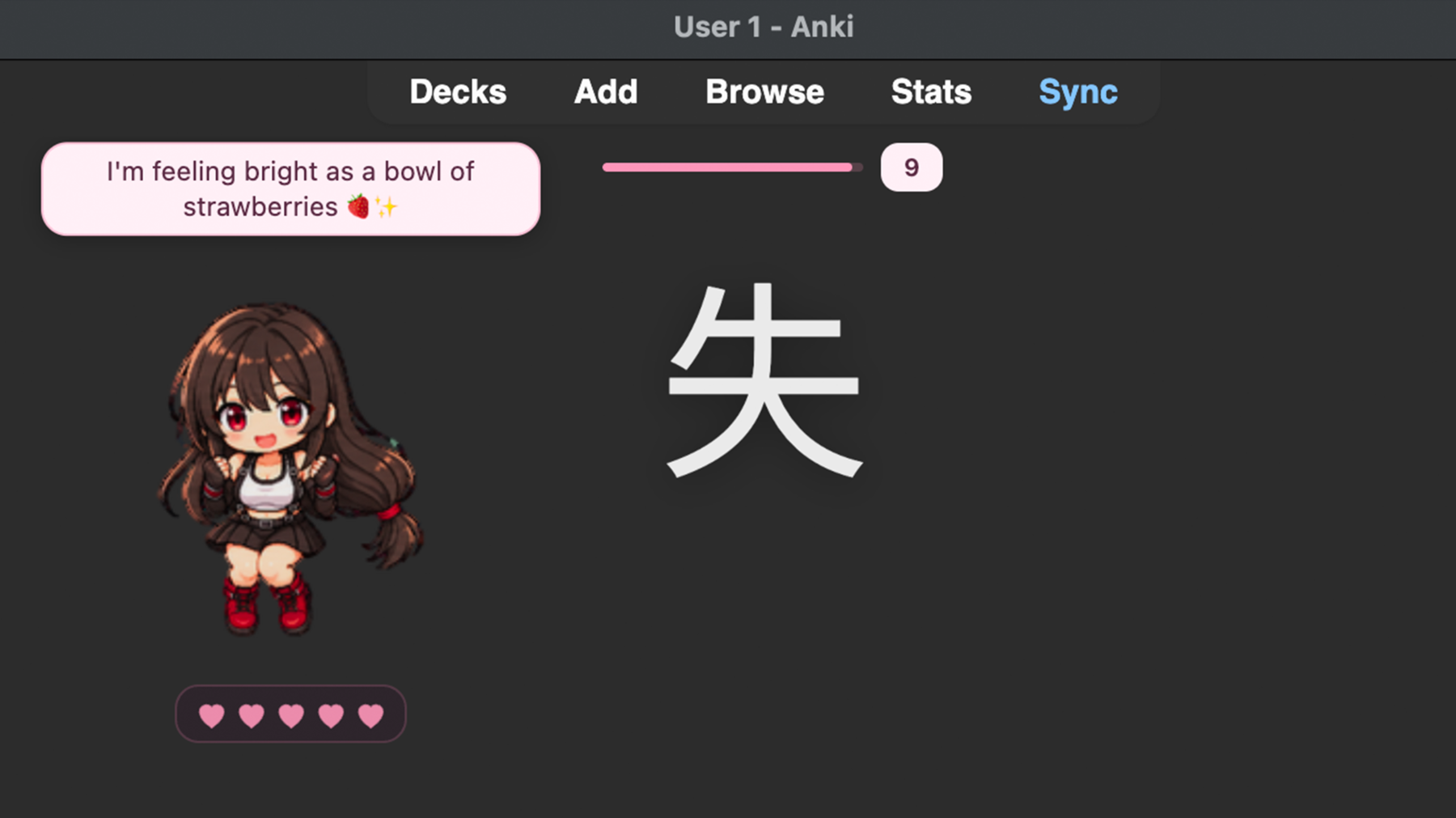
All better
Make it yours
Choose from 15 characters, name your buddy, and move the character and timer anywhere on the screen. Focus Friends remembers their positions separately for each deck, so each deck keeps its own layout. You can also customize timer styles, colors, hearts, and message bubbles.
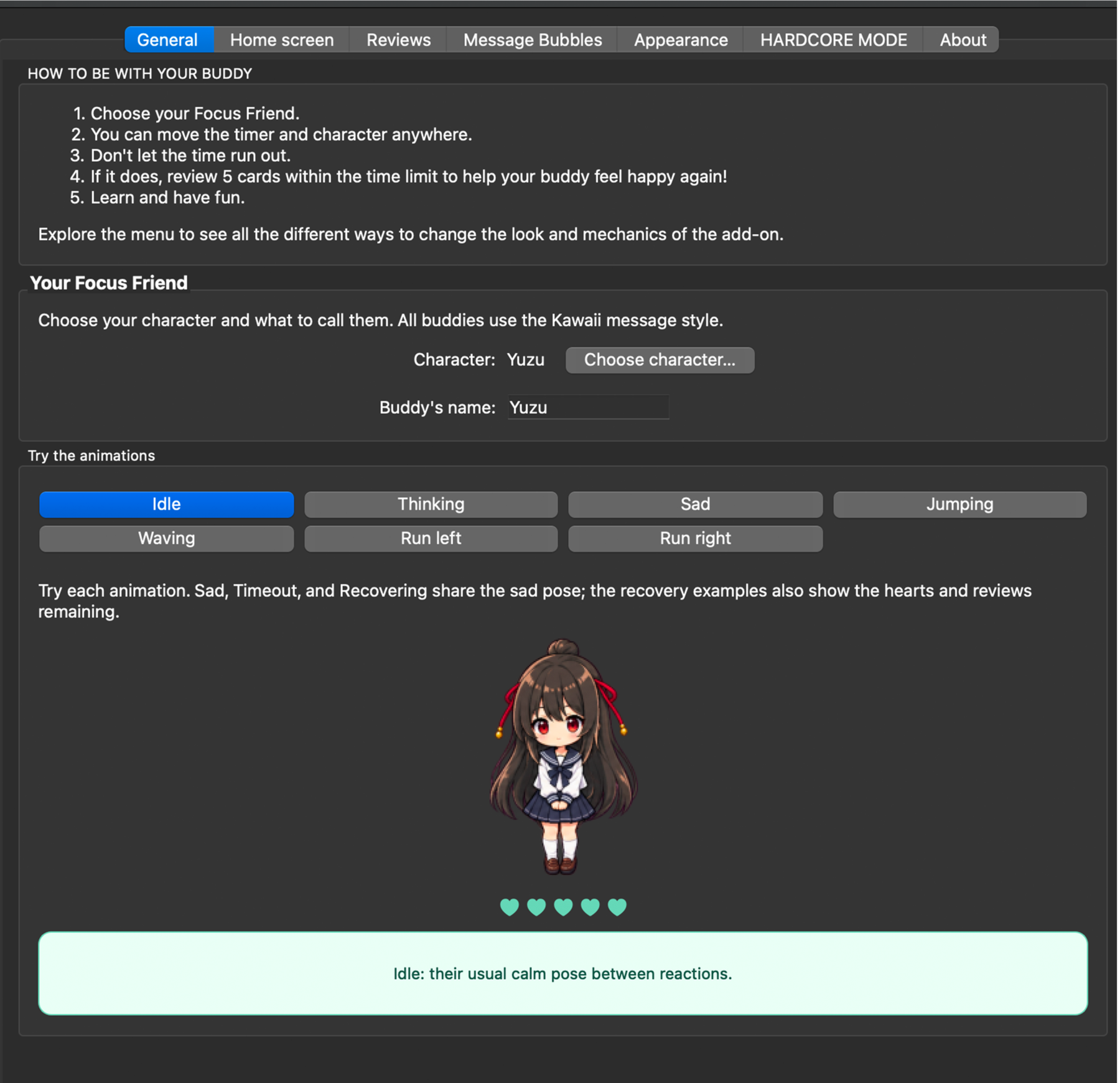
Pick a buddy and preview their moods
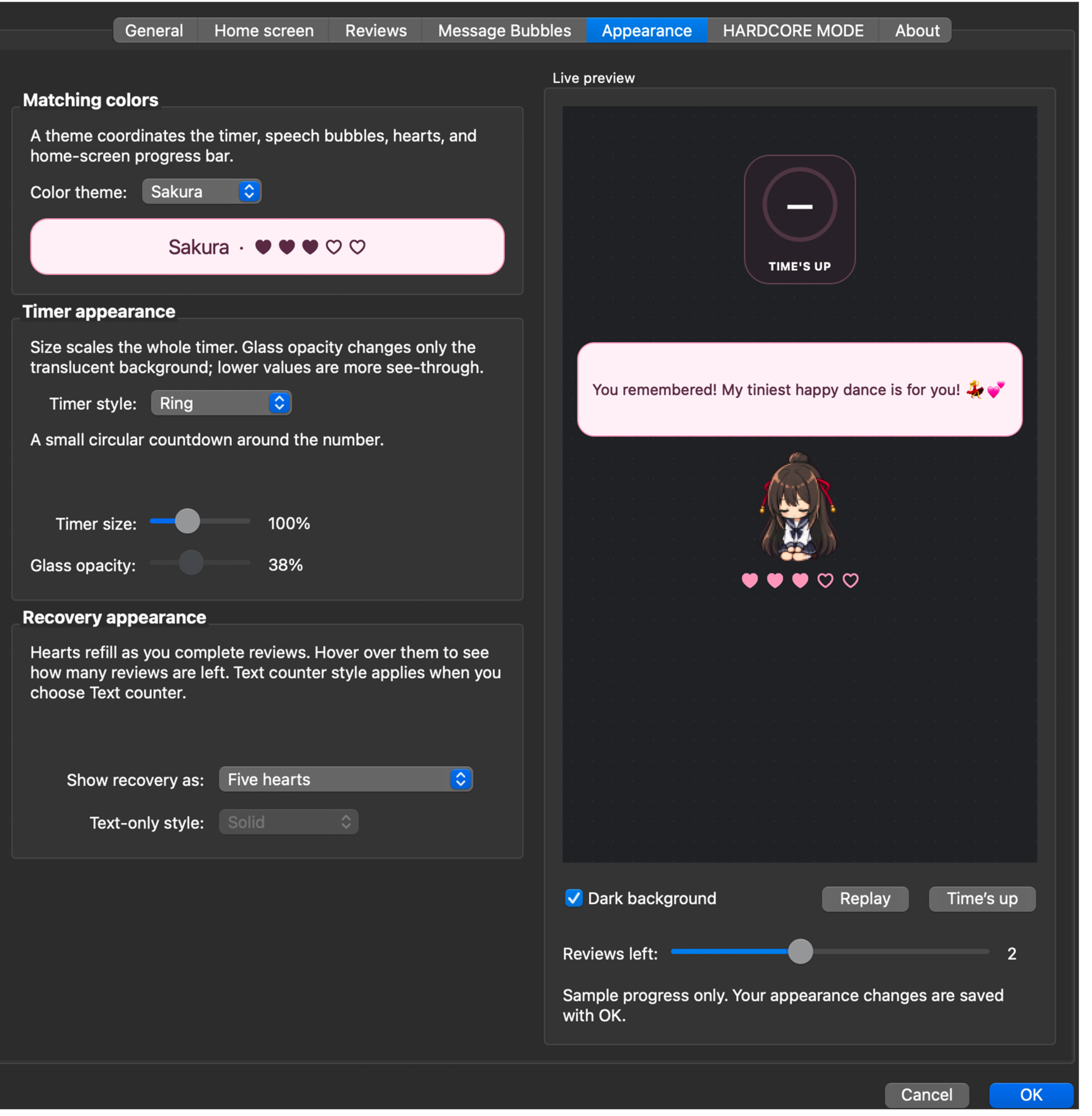
Try timer and color styles
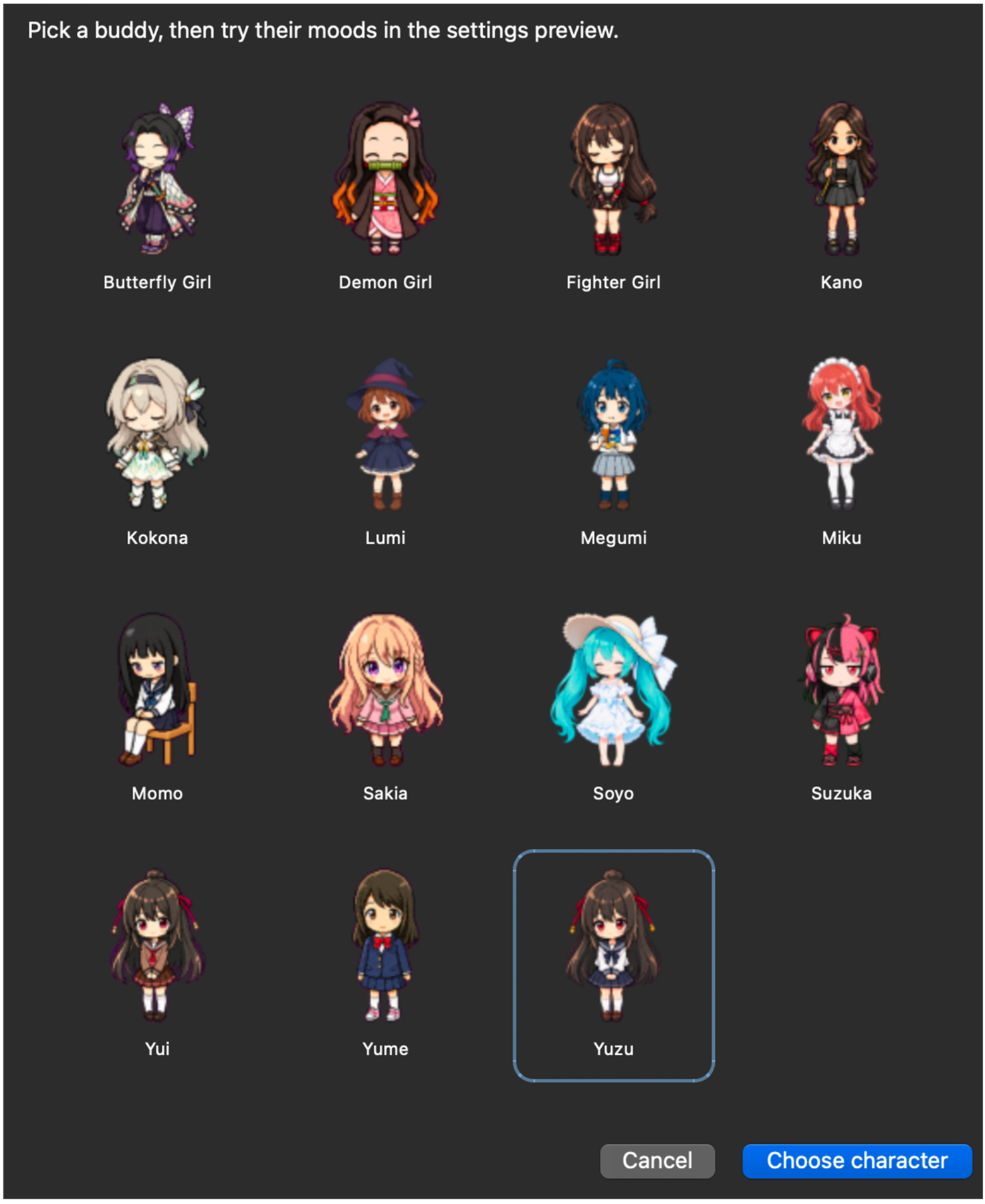
Choose your character
Company between study sessions
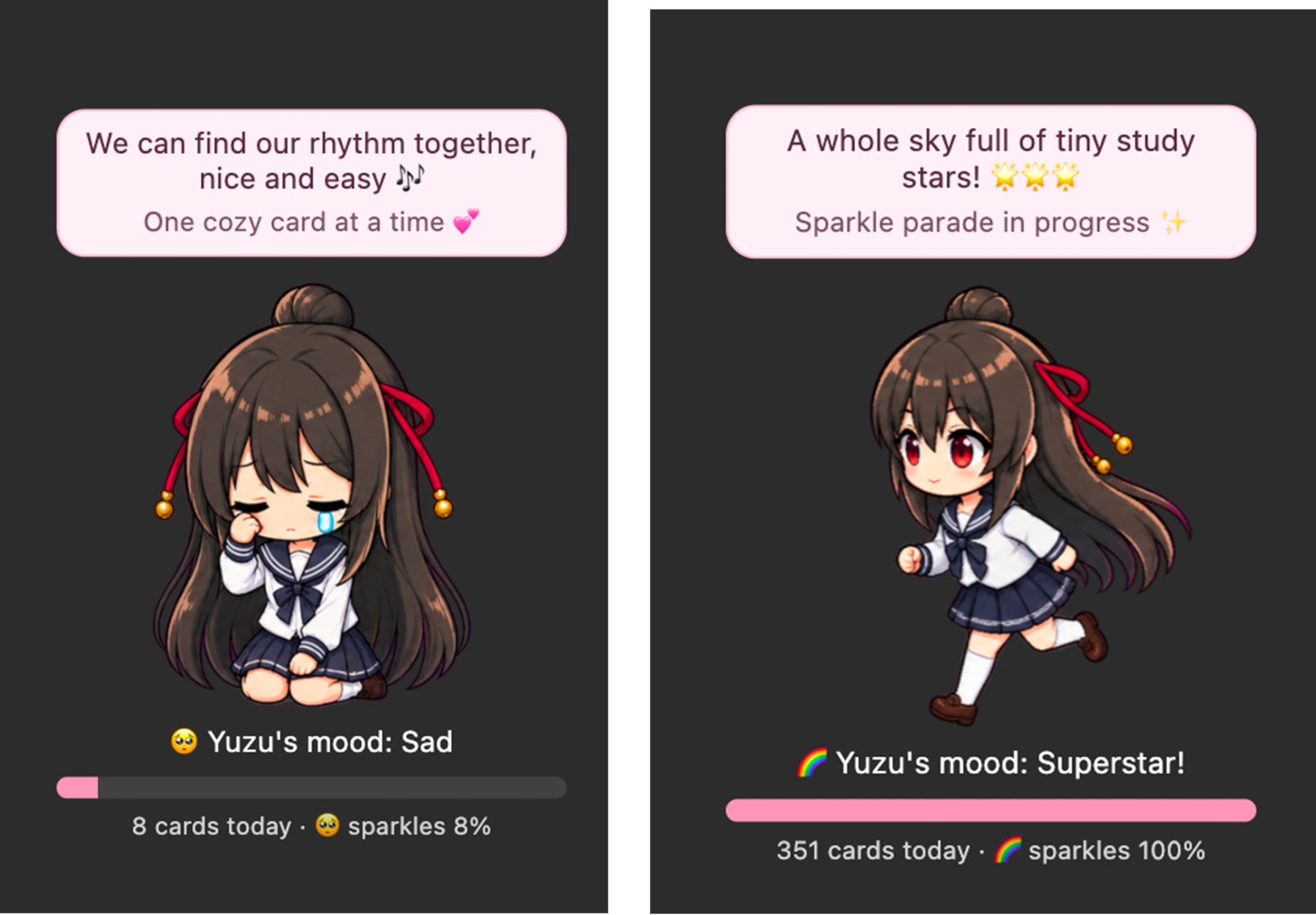
Your buddy's home-screen mood changes as your reviews add up. Here Yuzu goes from a few cards to a whole lot of study stars:
Install
Copy the add-on code 1343196607, then open Tools → Add-ons → Get Add-ons in desktop Anki, paste the code, and restart Anki when prompted.
Open Tools → Focus Friends Settings to choose your buddy and customize the timer.
You can also download the .ankiaddon file from the 1.0.0 release on GitHub and open it with Anki.
Focus Friends is for desktop Anki. The timer and recovery are cosmetic: they don't change card scheduling or ratings. Review tracking stays on your computer. The add-on does not send your review history to a server.
Credits and license
Animation source links are listed in the add-on's About tab. The add-on code is MIT licensed; character artwork retains the terms of its respective sources.
GitHub · Report a bug or suggest a feature


