Hi I am here!😎 I uploaded a fixed version (Fork) of No-Distractions-Full-Screen so far it is working fine, try it!👍
Eliminates everything unnecessary during reviews giving you maximum usable screen space and a clean, adjustable interface that supports touch.
Credit:
This add-on is a fixed and customized version of No-Distractions-Full-Screen, the original add-on is no longer maintained and is broken in the latest version of Anki, instead you can use this my fixed version. Originally created by ccz-2 and credit goes to them.
How to use
(some of these descriptions and images are taken from the original ND-Full-Screen.)
- On Windows/Linux: Press F11 for fullscreen
- On Mac: Press green maximize button (upper left corner) for fullscreen
In Action:

With No Distractions Answer Bar Enabled:

Drag Functionality (with King of Buttons Addon):

Features
- Hides all menu bars.
- Superimposes answer buttons over cards.
- Draggable answer buttons that support touch.
- No Distractions Answer Bar
- No Distractions works in resizable windows as well.
- Hides mouse cursor if idle.
- Auto-toggle No Distractions mode.
- Highly customizable.
HotKey
- Full screen :
Shift+F11
- Lock answerbar :
Ctrl+L
- You can also activate FullScreen from right-click context menu.
- To return home from review, press
D.
- More button hotkey:
M
- Editor button hotkey:
E
Options
Option1

- Auto-toggle when reviewing
- Enables full-screen mode automatically when you open the reviewer.
- Mode: Full Screen / Windowed
- Toggles between full-screen and windowed modes.
- Stay on top (windowed)
- Keeps the add-on always on top.
- If you need more advanced features, please use the Always on Top add-on.
- Cursor idle timer (seconds)
- Hides the cursor if it remains stationary for the specified number of seconds.
- Full Screen hotkey
- Change the hotkey to enter full-screen mode.
- Lock answer bar hotkey
- Change the hotkey to lock the button positions.
Option2

These are options for customizing the appearance of the ND AnswerBar buttons.
- Enable ND AnswerBar
- Enable the ND AnswerBar buttons.
- Color pattern
- Change the color theme, currently available in 10 varieties.
- Button size
- Quickly change the button size.
Advanced Options
You can customize other options in detail, click the "Restore Defaults" button at the bottom to reset.
Option3

- Windows Fullscreen compatibility
- If on Windows and experiencing grpahical issues, please try disabling this.
- Rendering delay (seconds)
- Seconds to wait before window is updated with layout changes. Helps reduce flickering and artifacts when toggling fullscreen/windowed.
Tips
-
[ Display Anki larger ] Combining this with Zoom for Anki add-on helps display the text on the cards in a larger size.
-
[ Display Anki smaller ] By using the optional Window Mode, Zoom for Anki, and Always On Top, you can display Anki as small as possible, like this:

Related Add-ons
These my add-ons are related to the GUI.
- 🔍️Zoom for Anki - Keep zoom level after reboot (Fixed by Shigeඞ)
- 🔝Always On Top V2 - permanently keep Anki as top (Fixed by Shigeඞ)
- 🎨Anki Redesign - Make Anki Cool Design (Fixed by Shigeඞ)
- 📌Rearrange home addons (Created by Shigeඞ)
- 🐻TidyAnkiBear - Select and hide Anki menu bar items (Created by Shigeඞ)<
- 👻Remove tooltip for Answer buttons (Fork by Shigeඞ)
- 🩸Hide Leech Notification (Created by Shigeඞ)
Hi thank you for using this add-on I'm Shigeඞ!
- [ 🛠️Fix add-ons ] So far I fixed and customized 80+ broken add-ons for free and developed over 30 add-ons as a hobby (all add-ons). If you have requests to fix broken add-ons feel free to contact me. Fix broken addons (Free)
- [ 💖Donation ] I'm looking for supporters for my add-ons development because I like Anki!👍️ If you support my volunteer development you will get 14 add-ons for patrons only and 15 game themes included in AnkiArcade ($5/month).
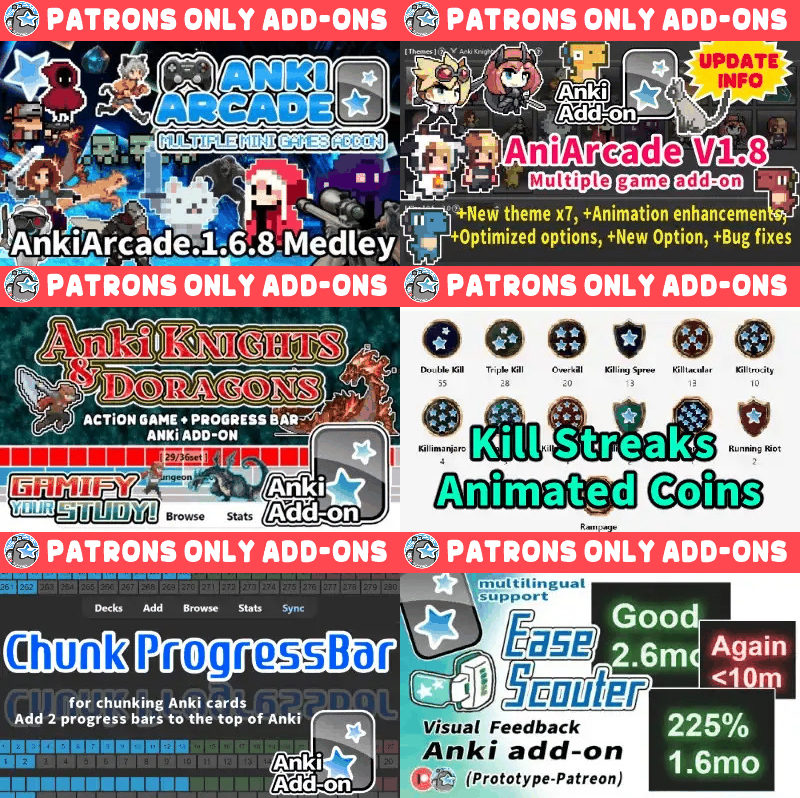
Get Patrons only addons | Patrons Q and A | Contact
[ Special Thanks ]
So far I received donations from 769 patrons and without their support I never could develop this, thank you very much!🙏
Patrons:  Arthur Bookstein
 Haruka
 LetoPath
 07951350313540
 NamelessGO
 Tim
 Kyle Mondlak
 ElAnki
 findus161
 Abhi S
 Daniel Kohl-Fink
 —
 Juan Salgado
 Peasant of Anki
 Jesse Asiedu
 Lily
 Yaeerrrrrr
 Heidi
 Aydin Herik
 gus forester
 Hoang Hung
 Xiuxuan Wang
 Terence Bartenbach
 Matthew Hartford
 Take Root
 Iggi
 Carly Burdorf
 Austin Regal
 David C
 Christopher Lam
 Vivian Cao
 Steven Banner
 Anh-Tai Nguyen
 Devon Williams
 Pansanity
 Kmyungc
 Will S.
 Meeyah Davis
 Eric Allen
 Andrew Yick
 Robert Remedios
 Jonathan Contreras
 Kyle Anthony
 Seth Stidham
 Miguel Dittrich
 Ali Abid
 Katherine Geromini
 Looptime IsAble
 Hussain Almoumen
 Elisabeth Barber
 Zarina Balde
 Leonora Lomoki Akporyoe
 lionheart3003
 Ernest Chan
 Jack
 ivy tian
 Brandon Anamah
 Isabel Guan
 Yashar Hadi
 Justin Magda
 Subhash Gutti
 Celeste Achatz
 GP & Chamin
 Jolene Galbreath
 Joseph Howell
 Niiick
 Lelia Belle Houbé
 尘 北冥
 Orlando Frey
 Kevin M
 Ujwal Chadha
 Nabeel Elhaj
 Kolorophyll
 Zuhair
 Jake Stucki
 Walter Rusin
 Kaitlyn Bowler
 Anjali Nallaveettil
 Samuel Habib
 Mia
 ellie
 Tobias Klös
 Franz Enkerlin
 mootcourt
 sarah
 Daniel del Risco
 Marlee Davis
 Kurtresha Worden
 Brett Sanders
 iuventius
 Audreylyn Shannon
 Patrick ellis
 tarek
 Efrain Garcia Fonseca
 qiting zeng
 Eddie Le
 Muneeb Khan
 Triết Nguyễn
 Justin Song
 Sameer Al
 Lisa Kirby ...full list
[ 📥 How do I install this add-on? ]
- Copy and paste the add-on code (
1370336700 ) into Anki and you can install it.
( Menu -> Tools -> Add-ons -> Get Add-ons -> Code [ add-on code ] )
- When I develop bug fixes, create new features, or compatibility for New Anki,
I will notify you and you can install it.
- Add-ons will be broken when the official Anki gets a major update, so if you like this add-on please support my volunteer development by rating, sharing, and donating. Thank you!
Click here and please Rate this add-on, Thank you! :-)