Home Screen Dashboard
A study calendar, progress tracker, and statistics dashboard for Anki's home
screen.
Version 1.9.2 · Anki Desktop 26.8+
Features
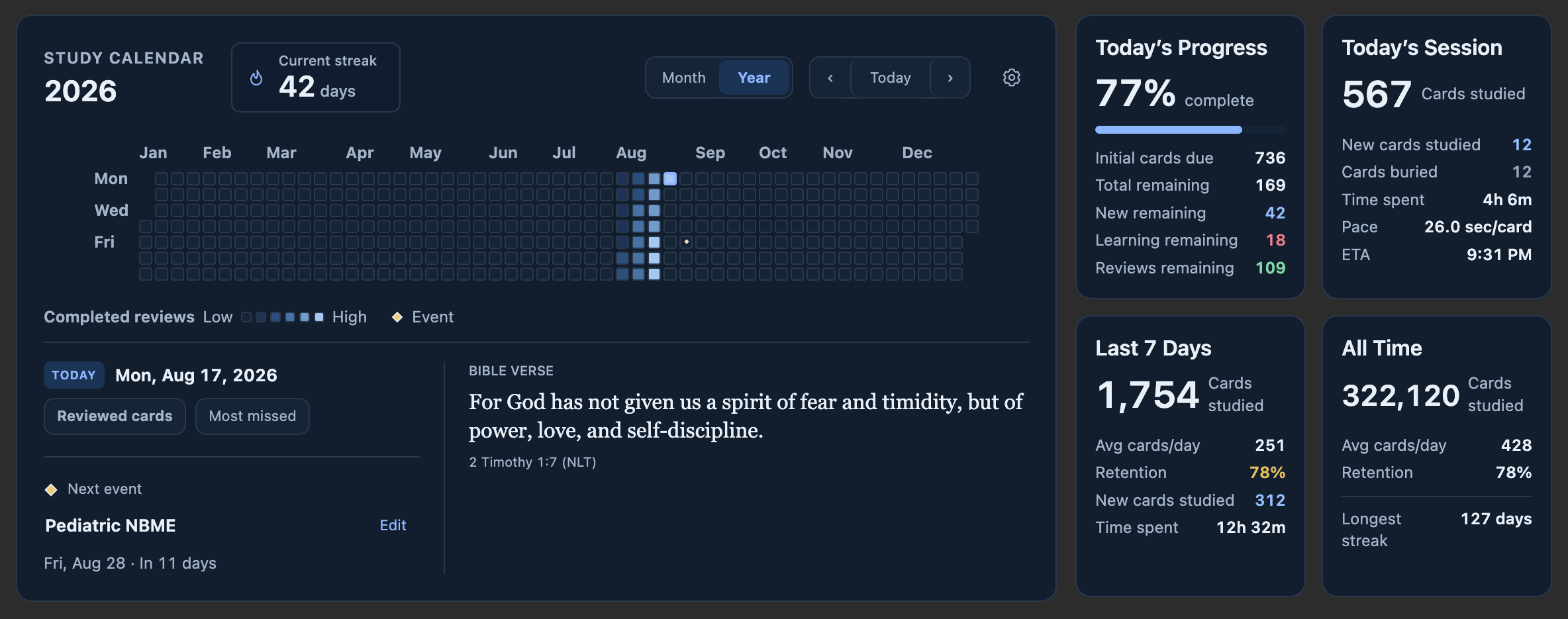
- Browse your completed reviews and upcoming due cards in Month or Year view.
- Track today's progress, study time, retention, and streaks.
- Add local events and see what's coming up on your calendar.
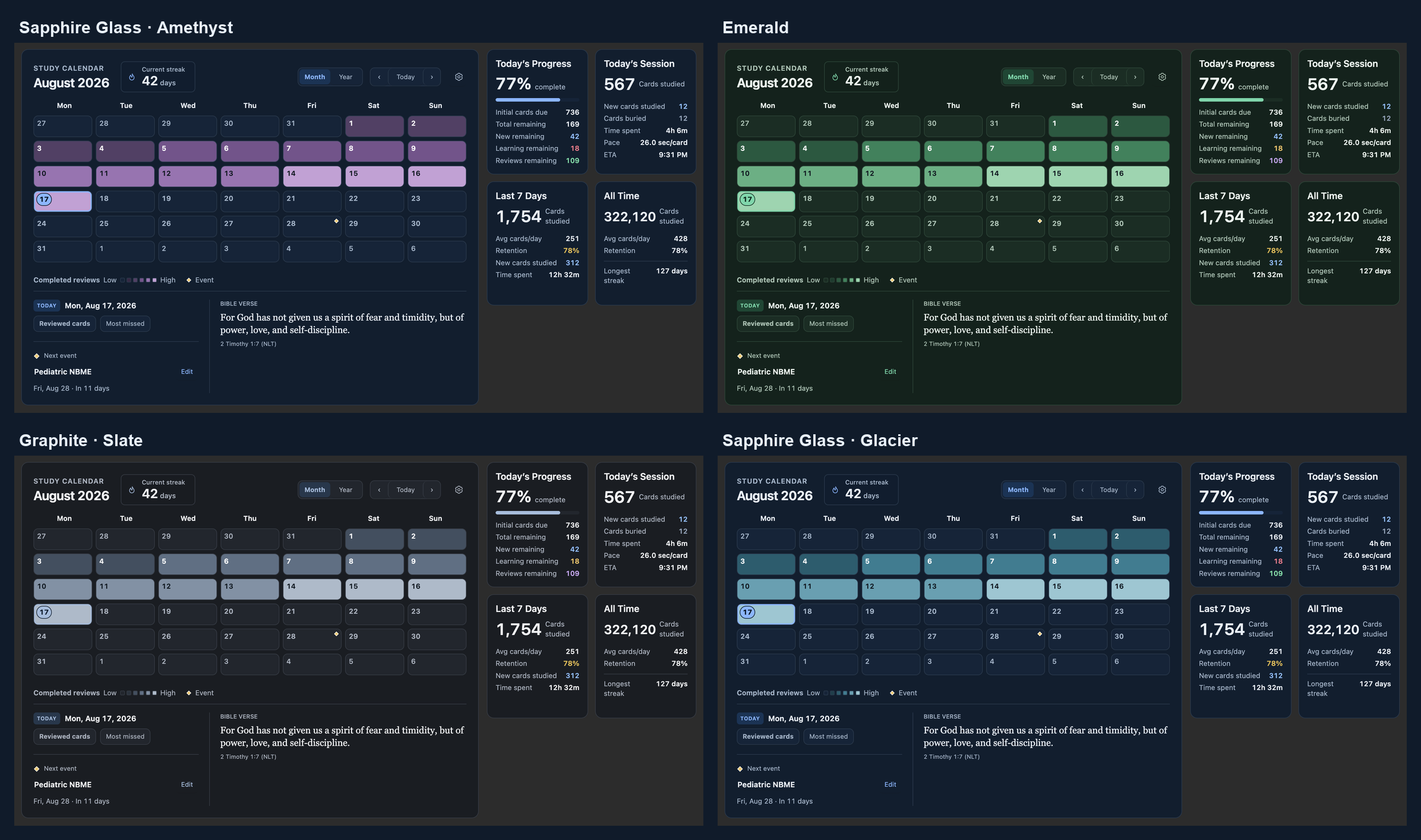
- Customize themes, calendar colors, text size, and study preferences.
- Display a Bible verse from your own library with appearance settings.
Screenshots
Click an image to view it at full size.
Sapphire Glass · Year view

| Emerald · dark Month view |
Graphite · Year overview |
 |
 |
Installation
- In Anki, choose Tools → Add-ons → Get Add-ons.
- Enter 808247776 and click OK.
- Restart Anki.
View on AnkiWeb.
You can also download the 1.9.2 add-on file
and choose Tools → Add-ons → Install from file.
If the dashboard reports conflicting add-ons, disable the entries listed in
its message and restart Anki.
See what changed in 1.9.2.
Using the dashboard
Switch between Month and Year, then select a day to see its reviews,
due cards, and events.
Hover over a future date to check its due cards. To also mark them on the
calendar, turn on Show future due indicators in Calendar settings.
Open the calendar's gear icon or
Caleb M. Add-ons Settings → Home Screen Dashboard settings to customize it.
Choose a page, make your changes, and click Save changes.
| Settings page |
What you'll find |
| Dashboard |
Study preferences and deck filters |
| Appearance |
Themes, calendar colors, text size, opacity, and blur |
| Calendar |
Default view, week start, and history and due ranges |
| Events |
Add, edit, search, archive, and restore events |
| Bible verse |
Your verse library, text styling, and rotation options |
| About & support |
Version information, diagnostics, help, and verse export |
Settings follows Anki's light or dark appearance. Dashboard colors can be
chosen separately.
Help and backups
Report a bug or request a feature.
Include your Anki version and a screenshot when helpful.
Export your custom verse library from About & support before updating or
reinstalling. The add-on does not change your cards or review history.
Development
See the build and test instructions,
capture workflow, and
changelog for technical details.
Unused external-calendar sources and their tests are preserved in the
September 8 deferred snapshot.
Historical references to tests/test_calendar_repository.py and
tests/test_calendar_manager_model.py now refer to that snapshot. Run its tests
separately using the documented runner; active add-on test discovery excludes them.
License
AGPL-3.0-or-later ·
Third-party notices